
|
Actors |
Shipping Agents |
|---|---|
|
Description |
Inform customs on the unloaded goods manifested. |
When your scheduled manifest is correctly integrated and complete, you can request unloading authorization (UAR indicator).
The objective is to inform customs of the unloading of the goods.
It is imperative to assign this unloading authorization in the PVMIS system, otherwise stevedore will not have access to the different report and consequently unload the vessel.
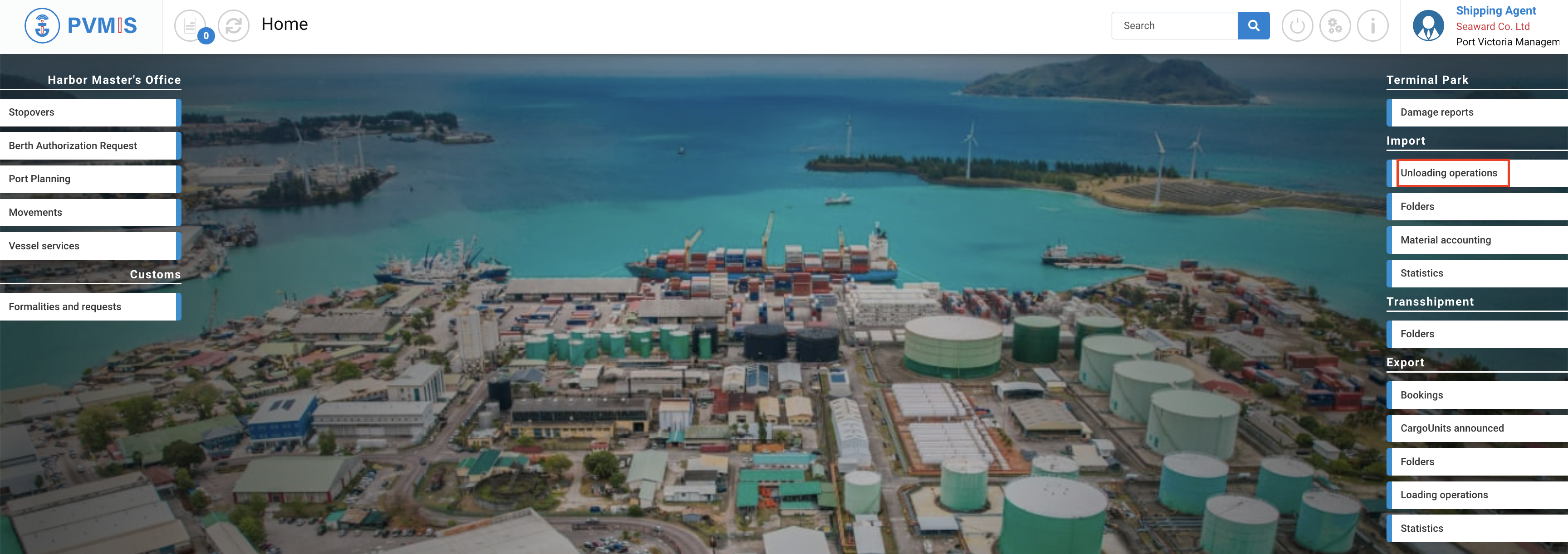
To request unloading authorization, click on “Unloading operations” menu in the Import section:
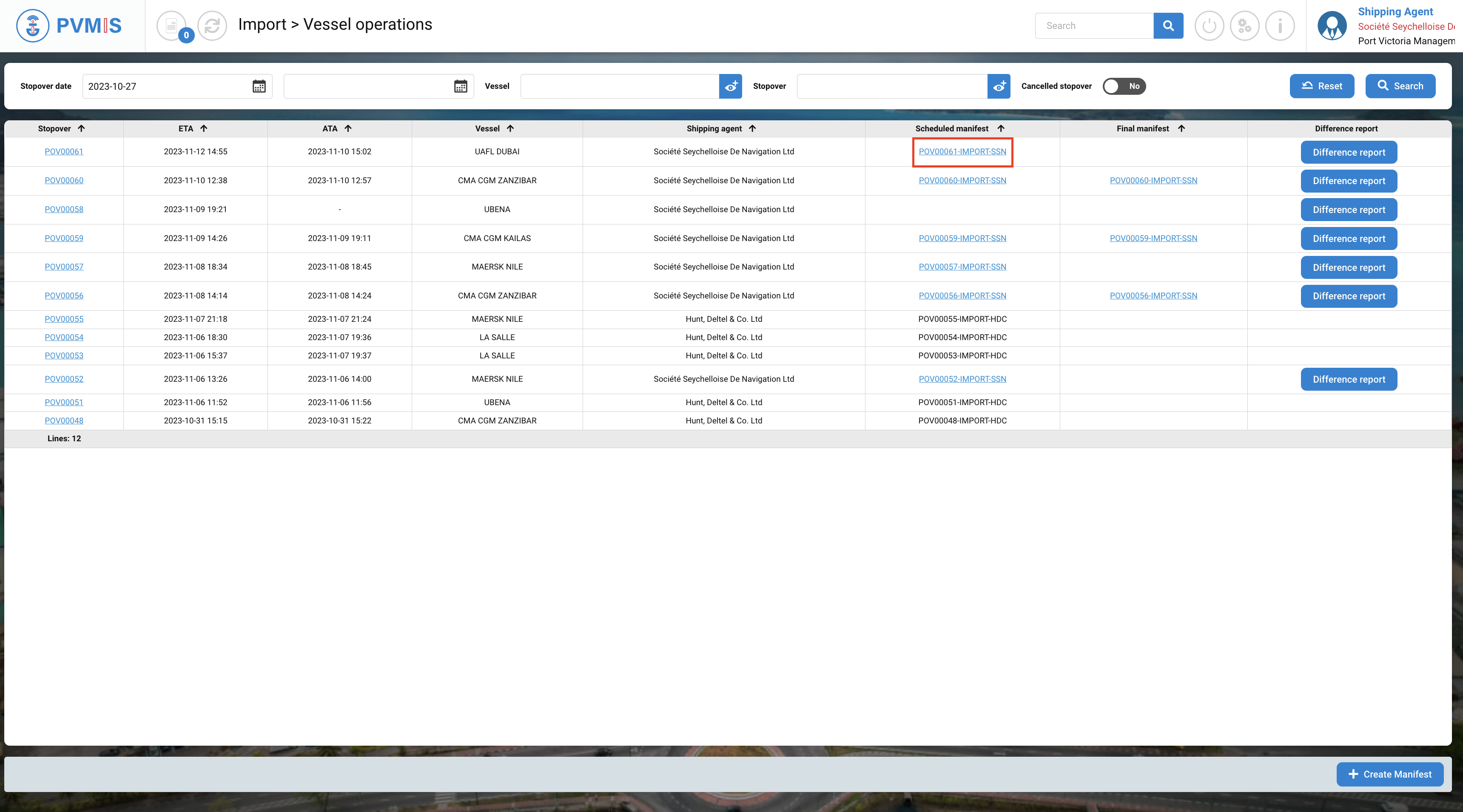
In the list, select your scheduled manifest. Click on the manifest identification code:
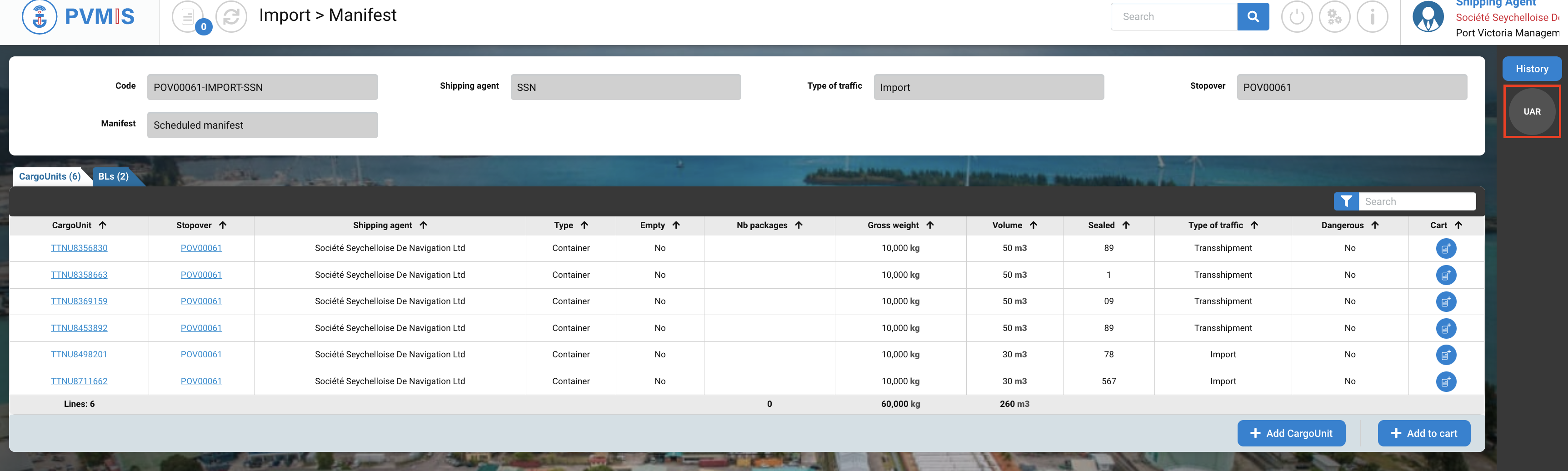
You can consult information about the manifest. Click on the UAR (Unloading authorization request) status on the right of the screen:
A colour code is used to signify the authorization status, and currently, UAR is shown in grey. This indicates that no action has been taken on this status.
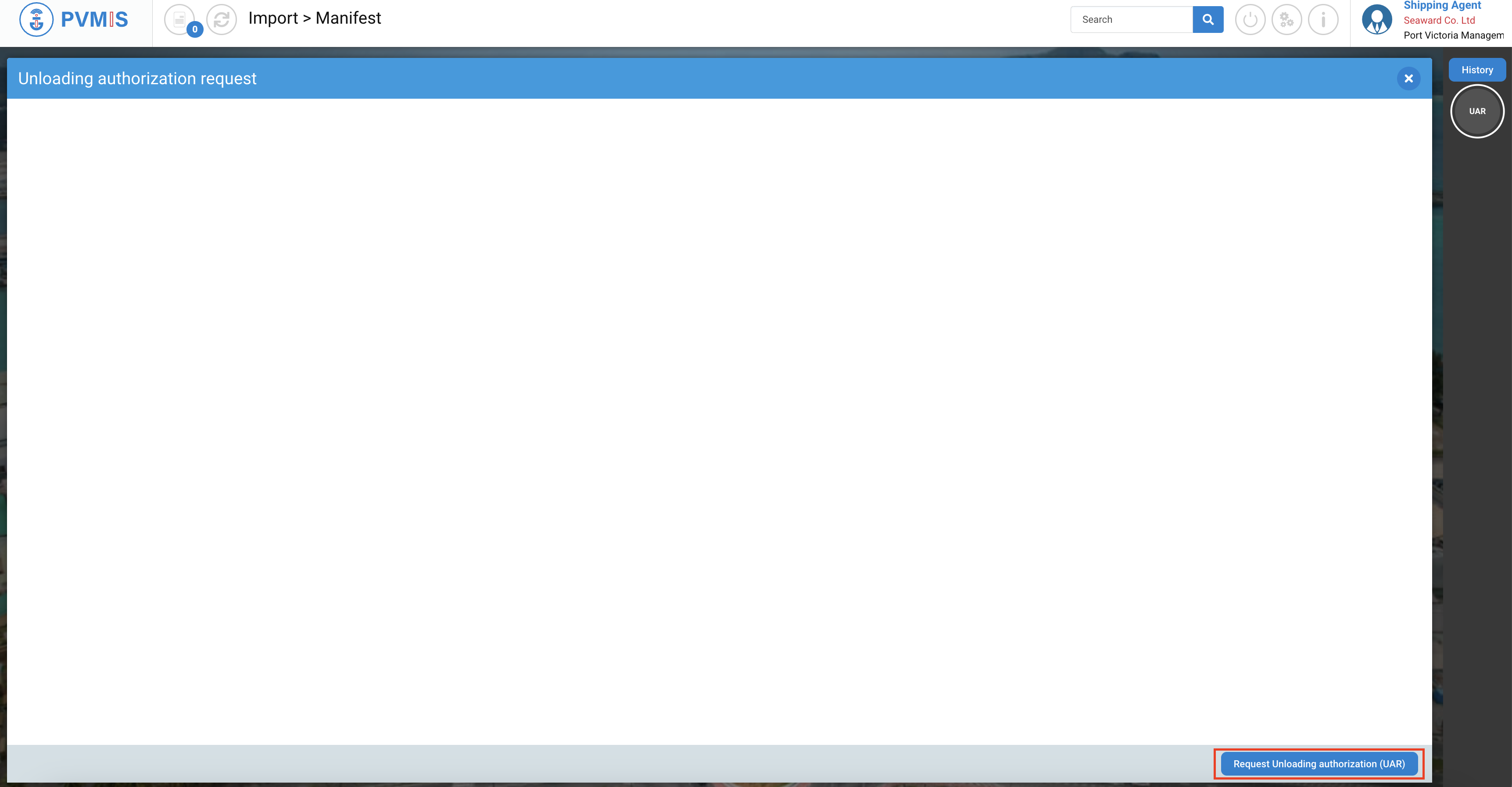
Click on Request Unloading authorization (UAR).
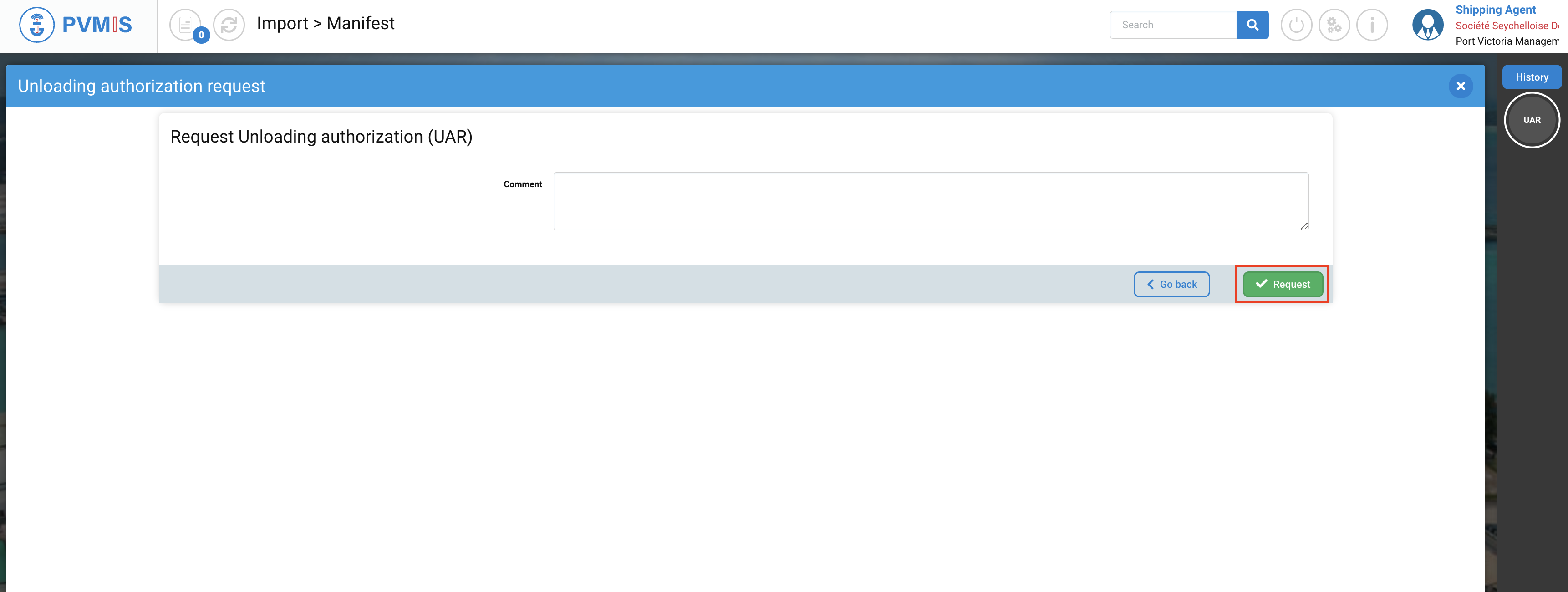
You can add an optional comment for customs. The local customs agent reviewing the UAR can view this comment. Click on Request button:
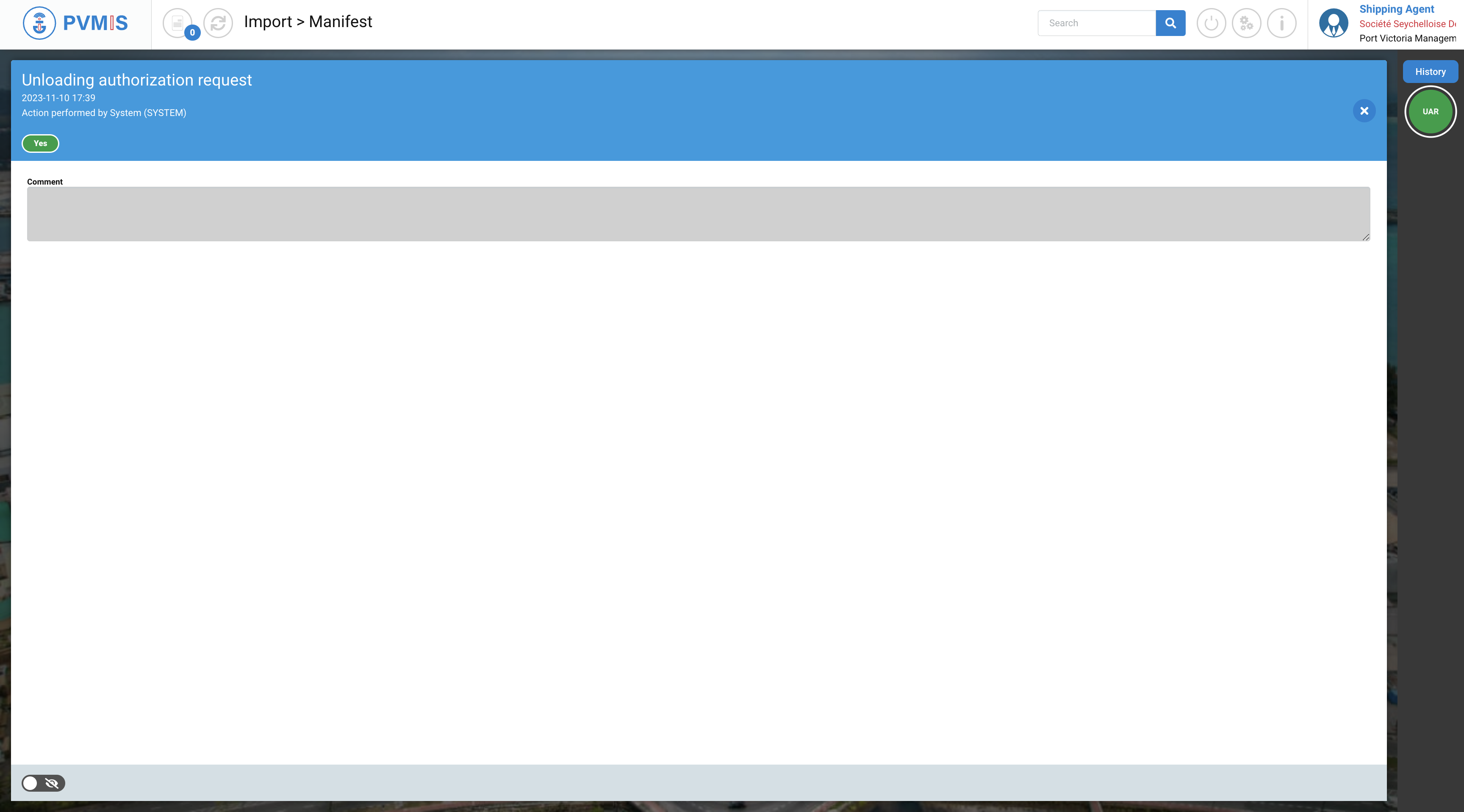
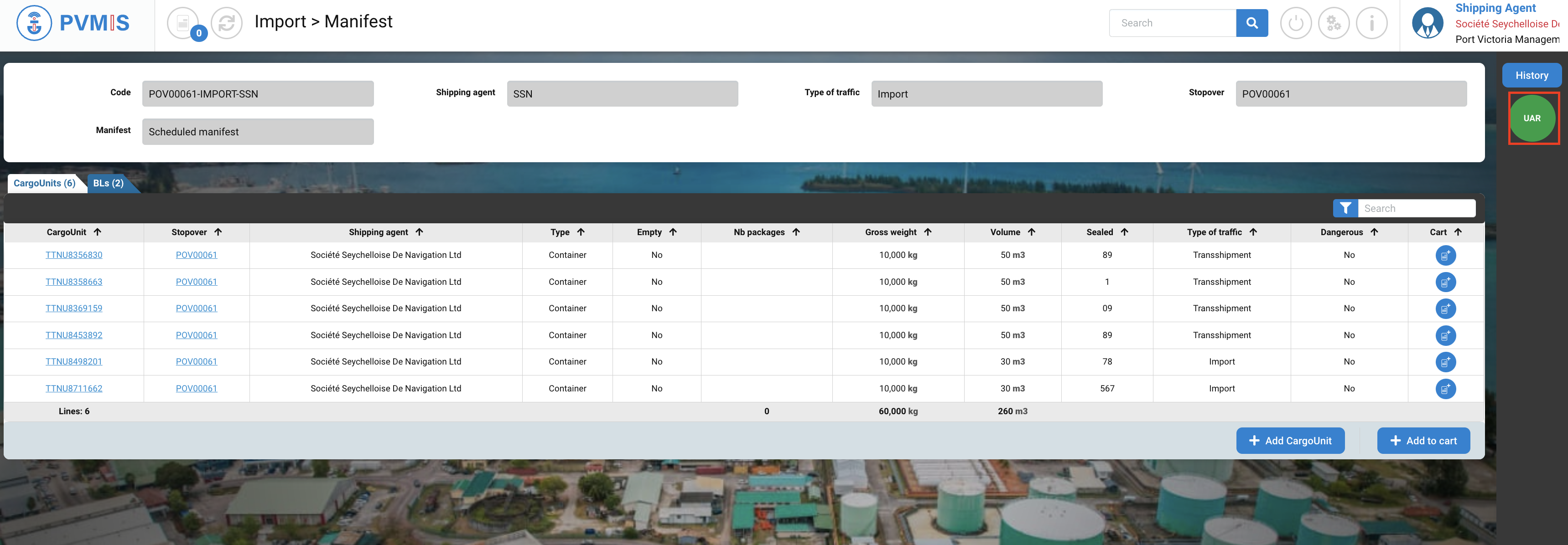
The request is then submitted to your local customs office. This request is instantly and implicitly validated.
The UAR (Unloading authorization request) status on the right of the screen turnes green.
If you click on History on the right of the screed, you can consult the history of status with a time of the status change.