
|
Actors |
Shipping agent |
|---|---|
|
Description |
Shipping agent merged two CargoUnit present in two different stopover |
|
Visibility rights |
Stevedore, Shipping Agent, Administrator. |
If a CargoUnit is announced for a specific stopover but has been mistakenly identified as being on board a vessel calling at a different port than the one originally announced, the shipping agent has the option to merge the information for that CargoUnit using its CargoUnit code. When merging, the CargoUnit is removed from the initially scheduled stopover, and its information is transferred to the stopover where it was ultimately loaded
Context
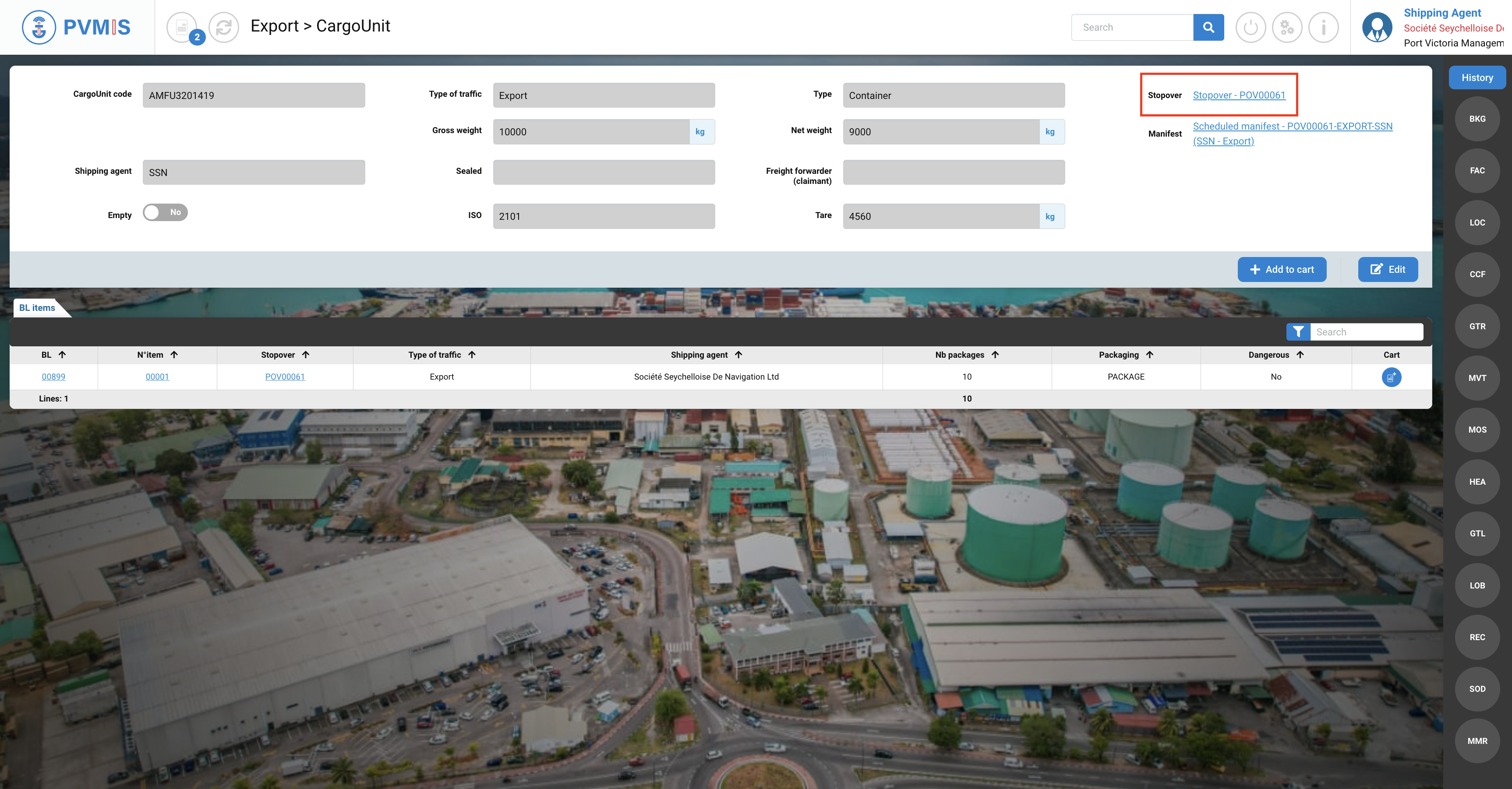
A CargoUnit (AMFU3201419) is announced in the stopovover number POV00061 and must be load for export process.
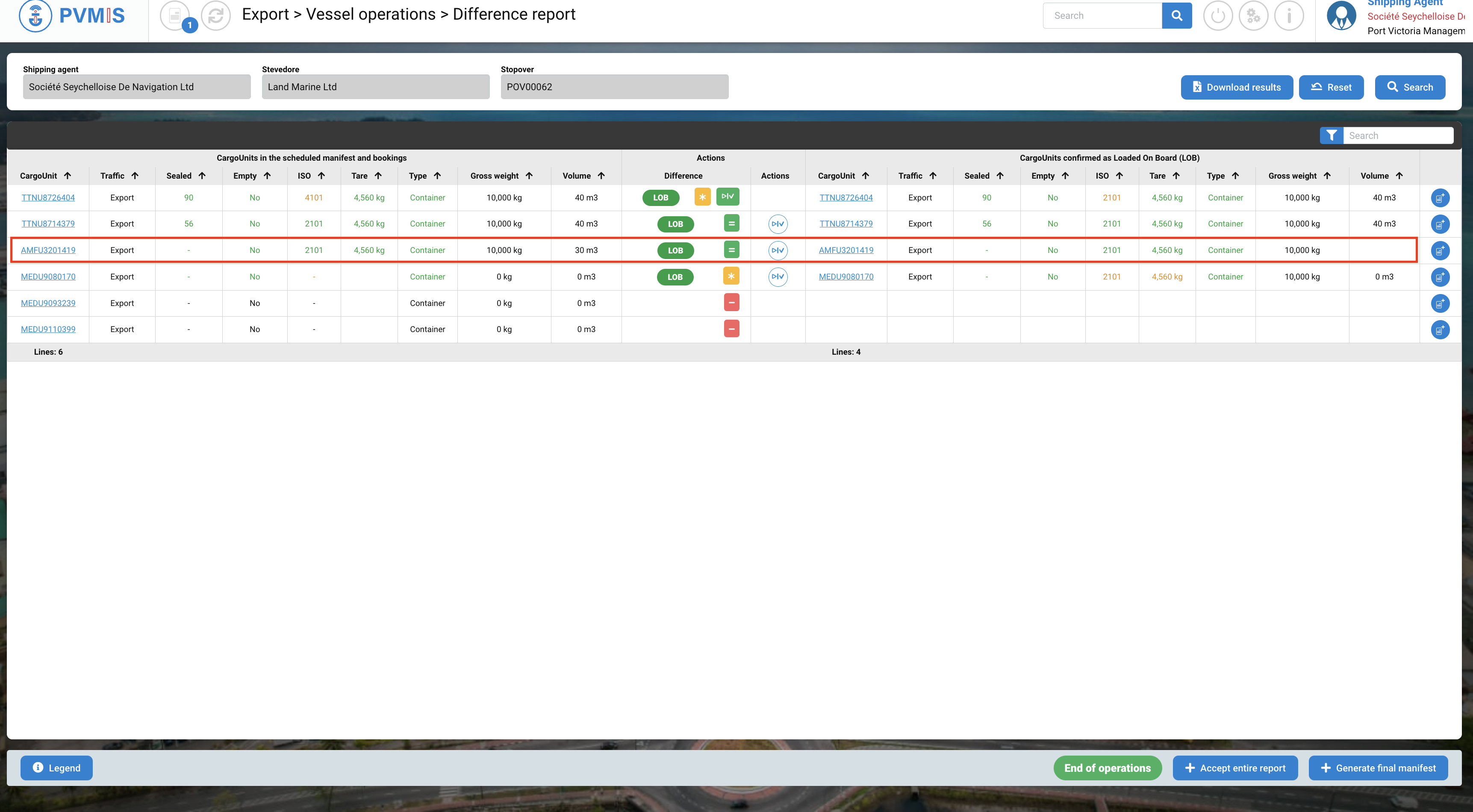
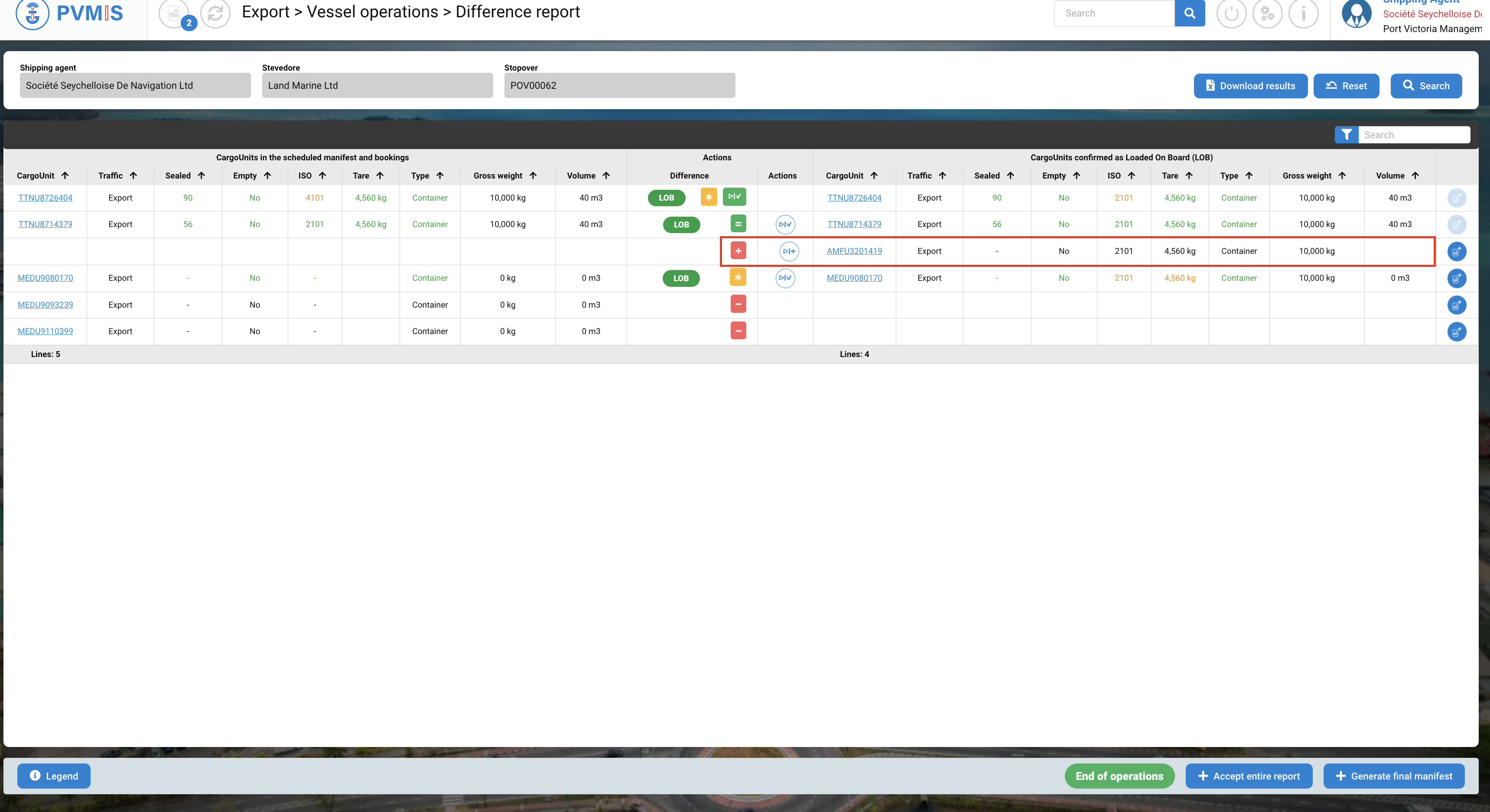
During a loading operation for another stopover (POV00062), stevedore as reported a view on quay (LOB +) of this CargoUnit (AMFU3201419) which was not announced in the booking or the scheduled manifest.
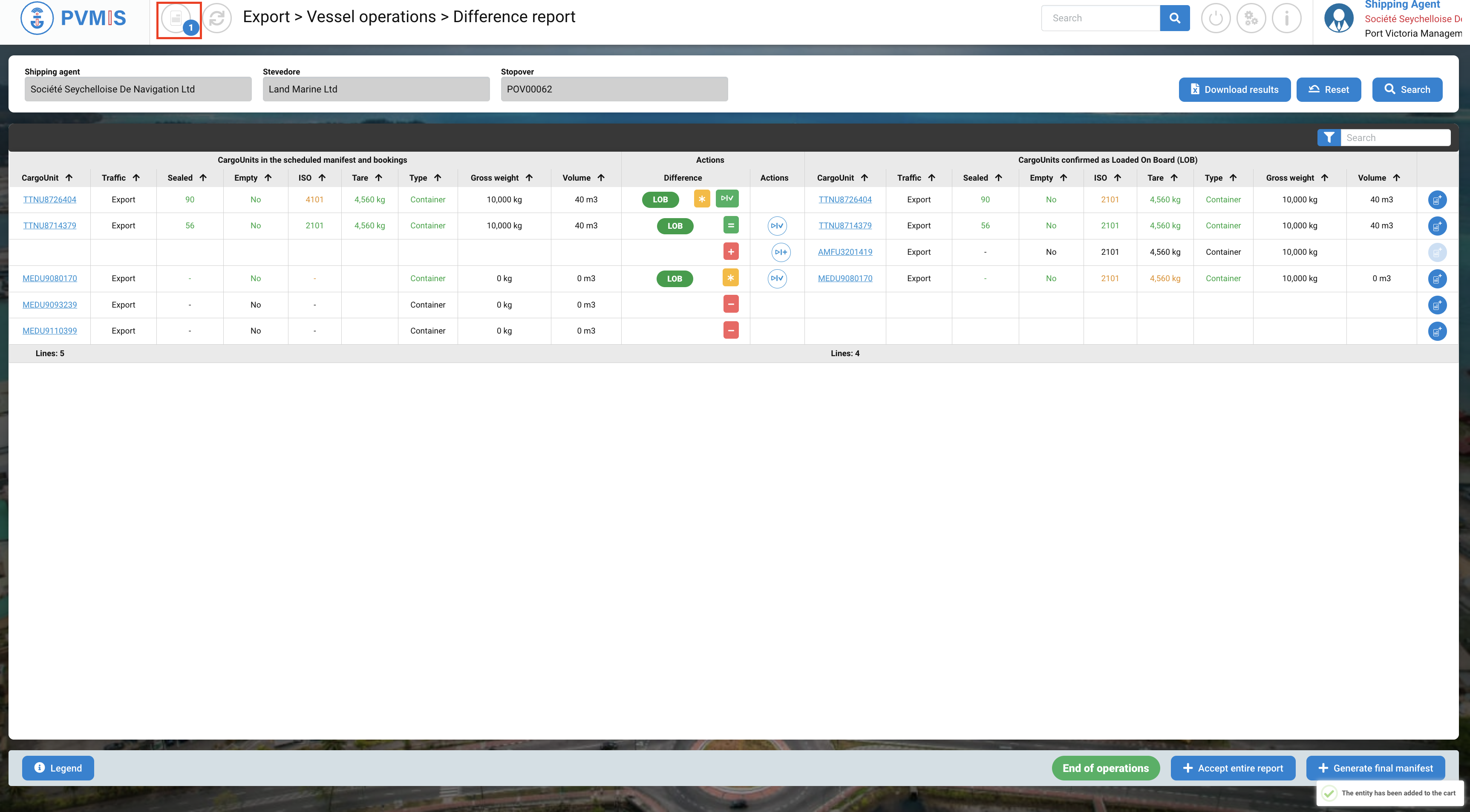
“+” icon Action, indicate a unit Loaded On Board plus.
Merged information
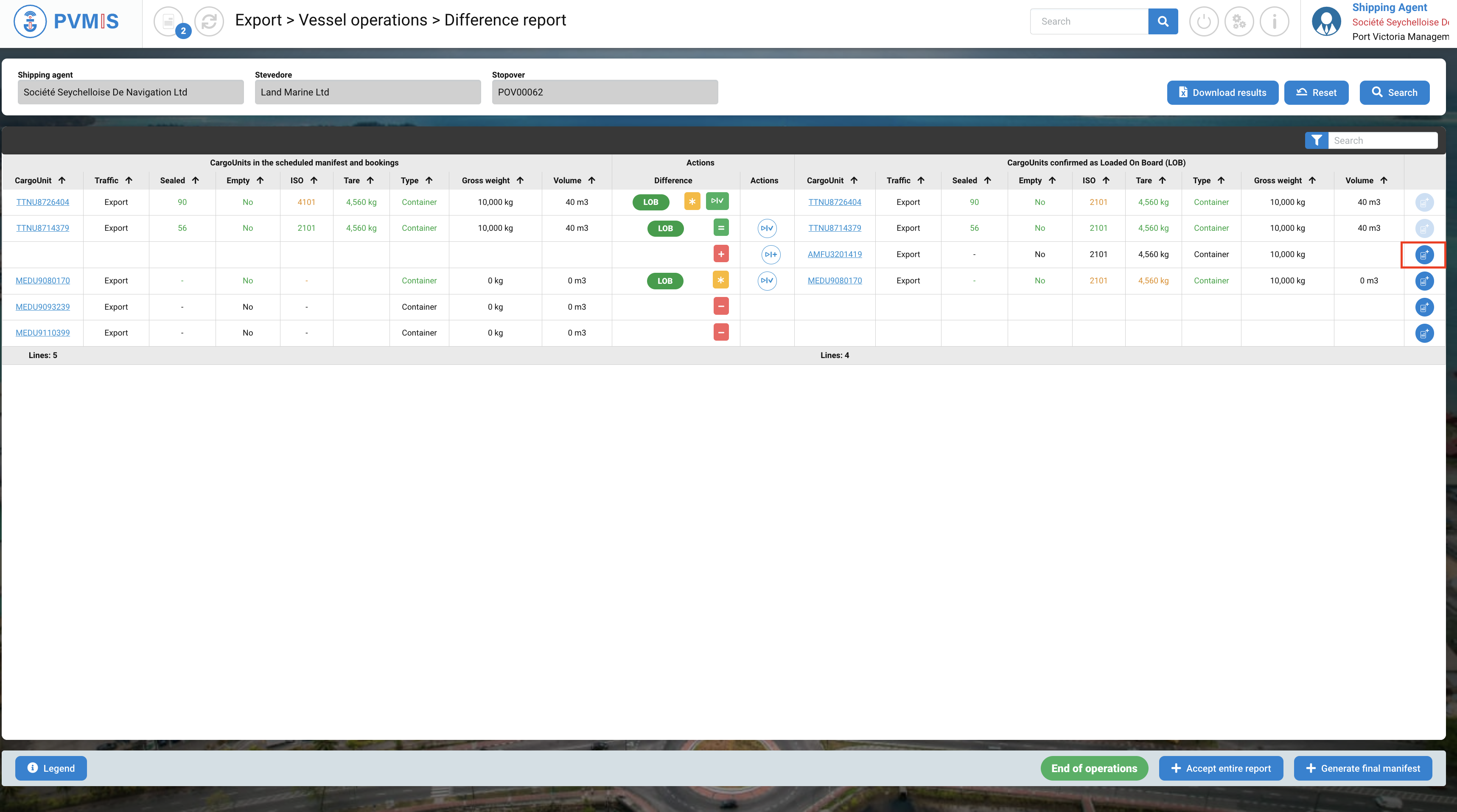
When the shipping agent has to accept the difference report and realizes that this CargoUnit (AMFU3201419) had to be loaded at another stopover (POV00062).
It will therefore carry out a "Reconciliation" by merging the information from this view on board with that indicated on the other ports of call. Click on cart icon:
To consult the cart, click on the cart icon at the top of the page:
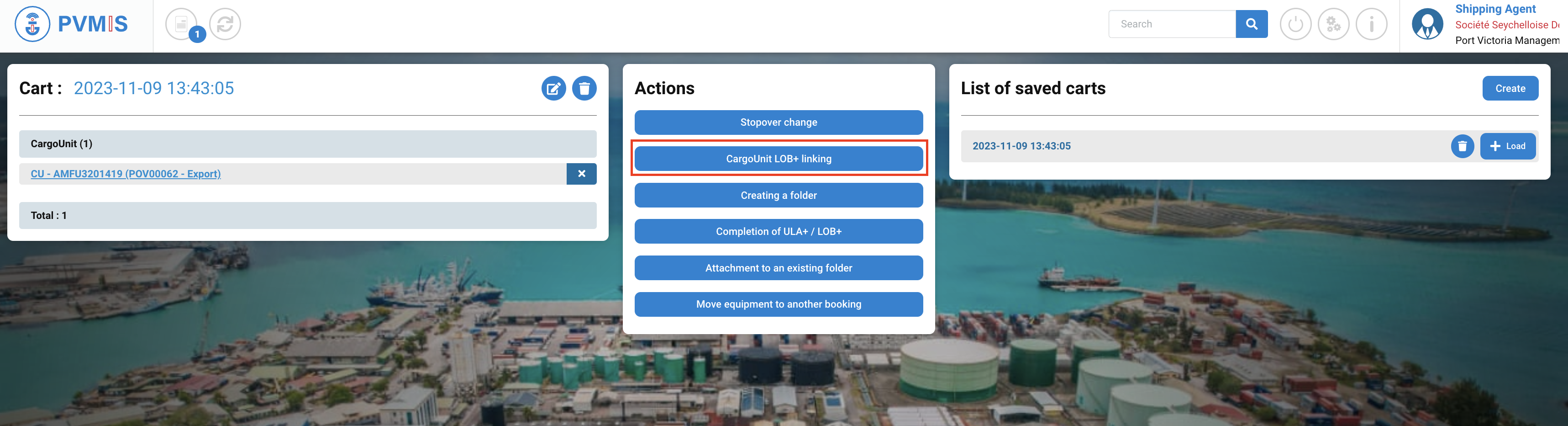
You can consult your cart divided in three colums:
-
Cart
-
Actions
-
List of saved carts
In the Cart column, the link of CargoUnit TTNU8726404 attached to the POV00045 is displayed and you can choose the action that you want to do for it. To make a reconciliation, click on CargoUnit LOB+ linking button:
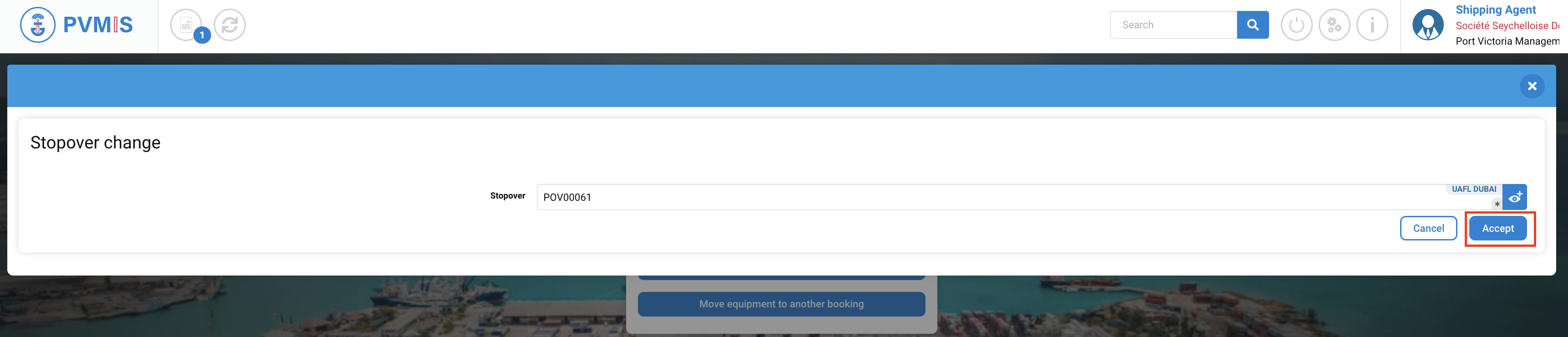
Indicates the stopover on which you want to make the change.
The stopover indicated will be the one which will transfer the information from the initial announced CargoUnit.
Click on Accept button:
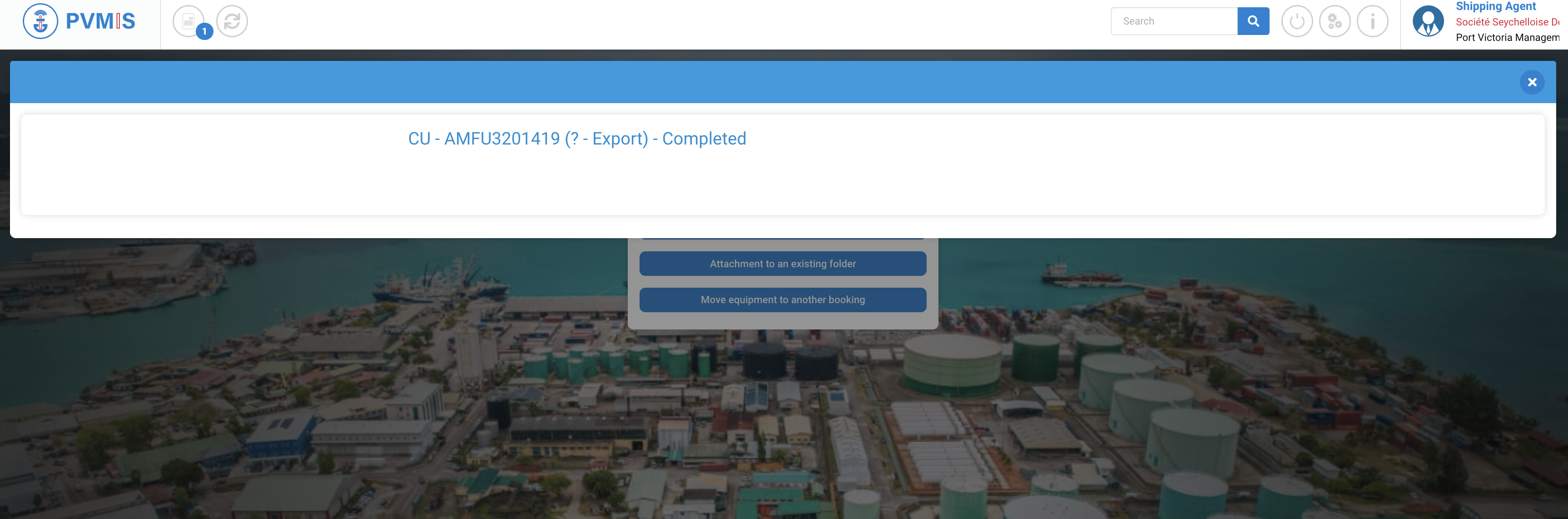
The information was merged, the CargoUnit information was transferred to the stopover where it was previously Loaded On Board (LOB+) and removed from the stopover initially announced.
In the detail of the CargoUnit, it is associated to the new stopover.
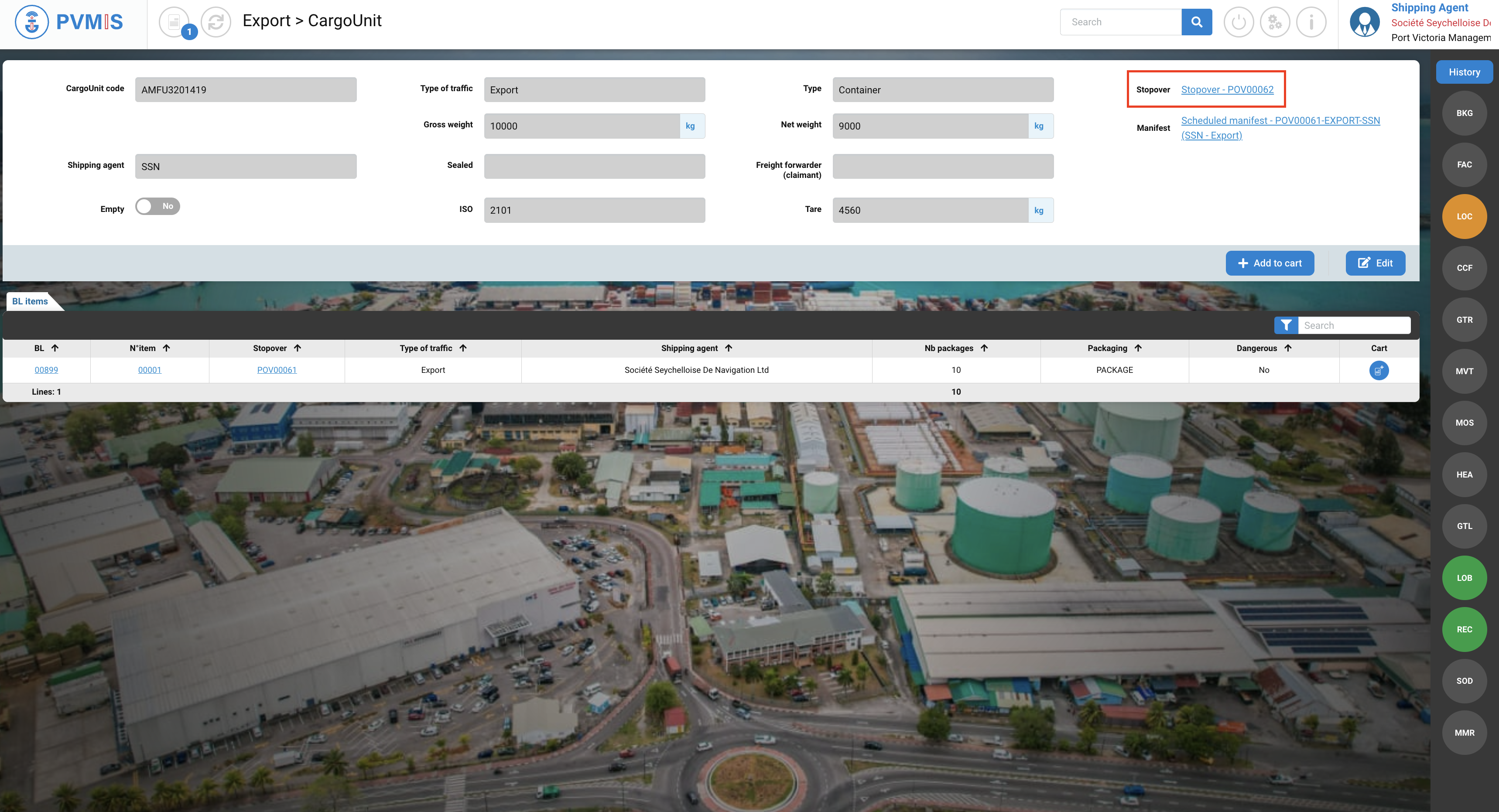
We can see, that the Reconciliation status has been applied to this CargoUnit, it turned green.
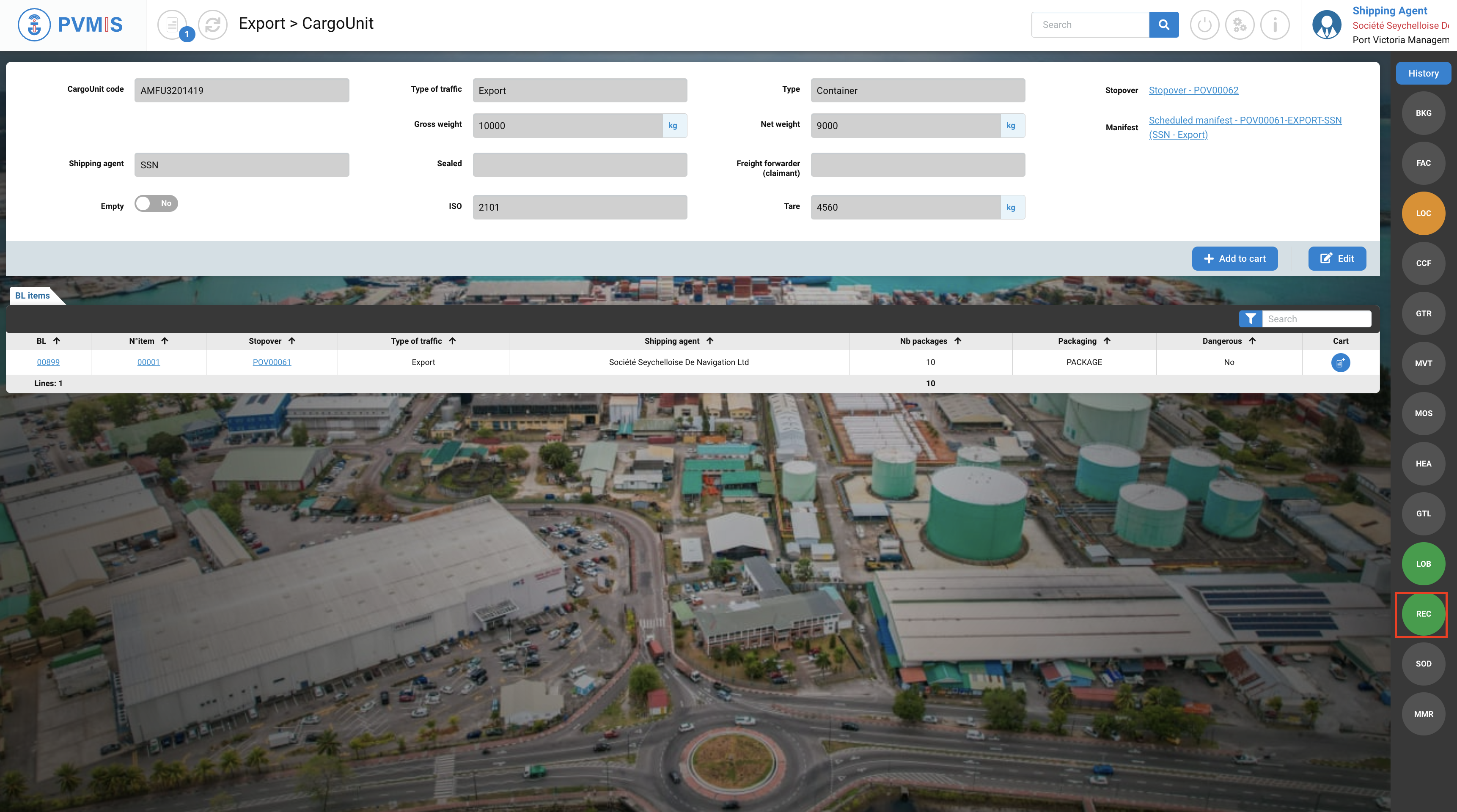
On the difference report, it is no longer considered as Loaded On Board plus, because it has been integrated as a CargoUnit announced in the booking or scheduled manifest: