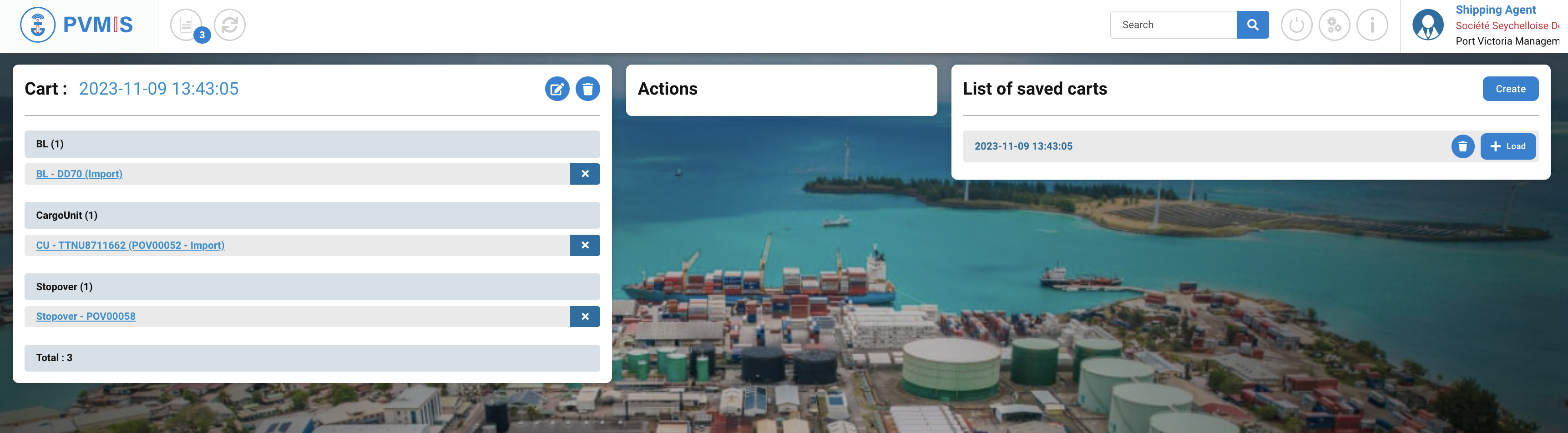

Entity:
-
CargoUnit (CU)
-
Bill of Landing (BLs)
Actions on CargoUnit entity
Customs Broker / Claimant
Import - CU
→ Attachment to an existing folder
Transshipment - CU
→ Attachment to an existing folder
Export - CU
→ Attachment to an existing folder
→ Move equipment to another booking
Shipping Agent
Import - CU
→ Attachment to an existing folder
Transshipment - CU
→ Attachment to an existing folder
Export - CU
→ Attachment to an existing folder
→ Move equipment to another booking
Actions on Bill of Landing (BLs) entity
Shipping Agent
Import - BL
Cart description
To access in the cart, click on cart icon at the top on the home page:
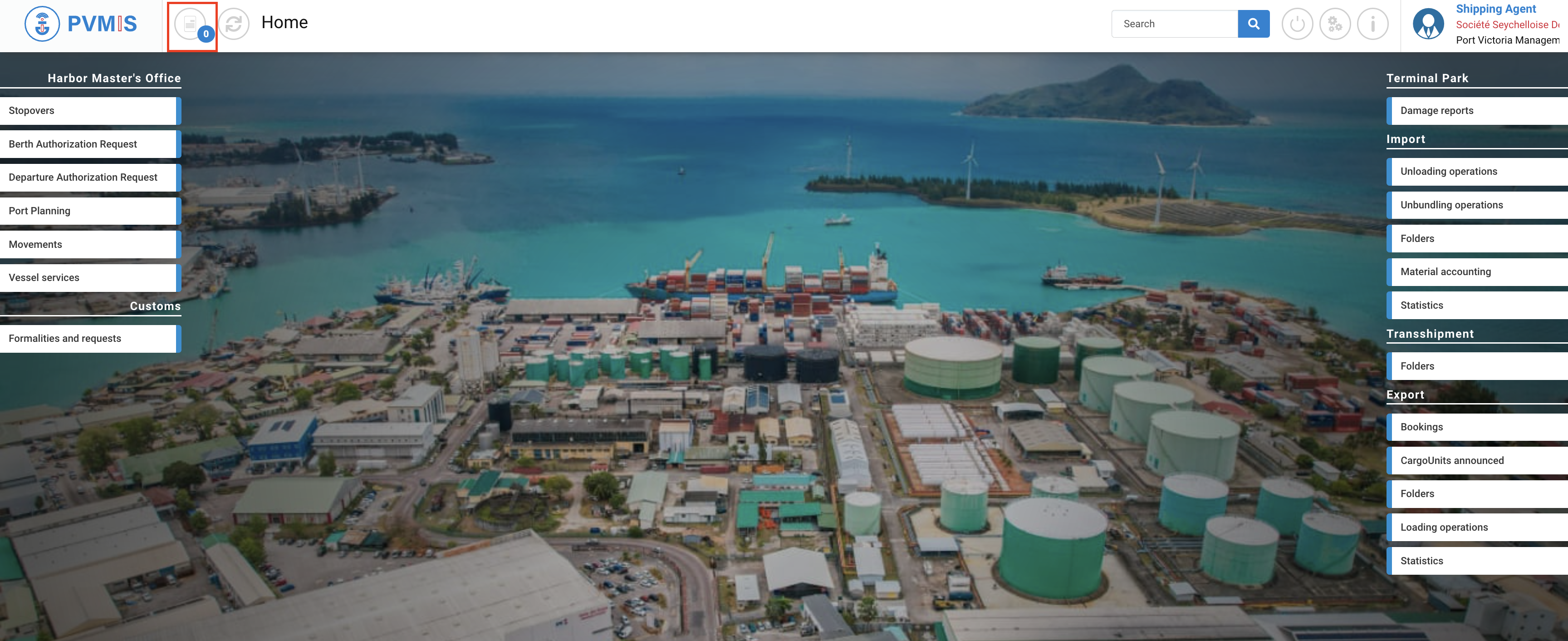
The cart is divided in three section:
-
Cart
-
Actions
-
List of saved carts
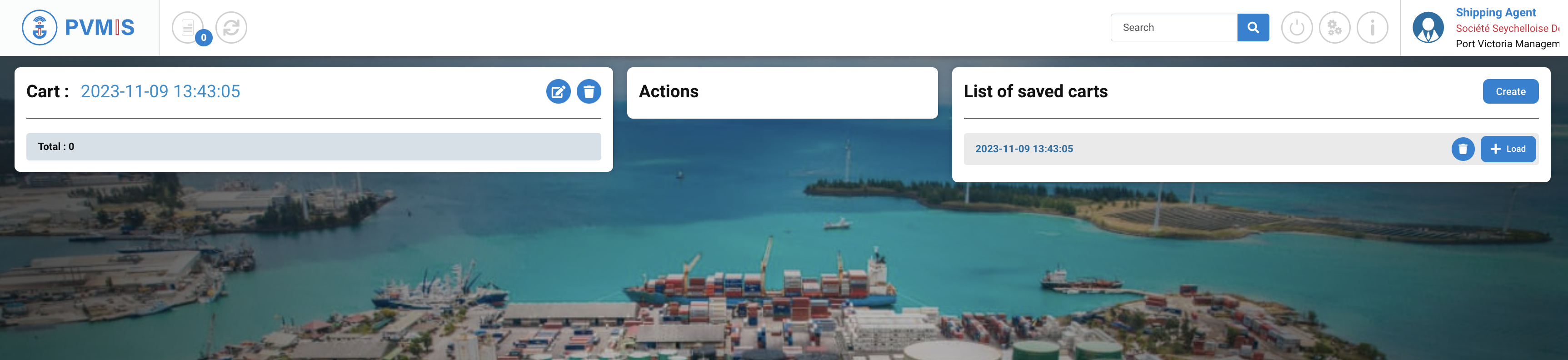
In the Cart section you can consult all the entities you put in your cart: