|
Actors |
Freight Forwarder (Customs broker) |
|---|---|
|
Description |
The custom brokers create a customs clearance folder. |
To get your bundles out of the terminal you must create a folder to clear the goods.
Create a custom clearance folder
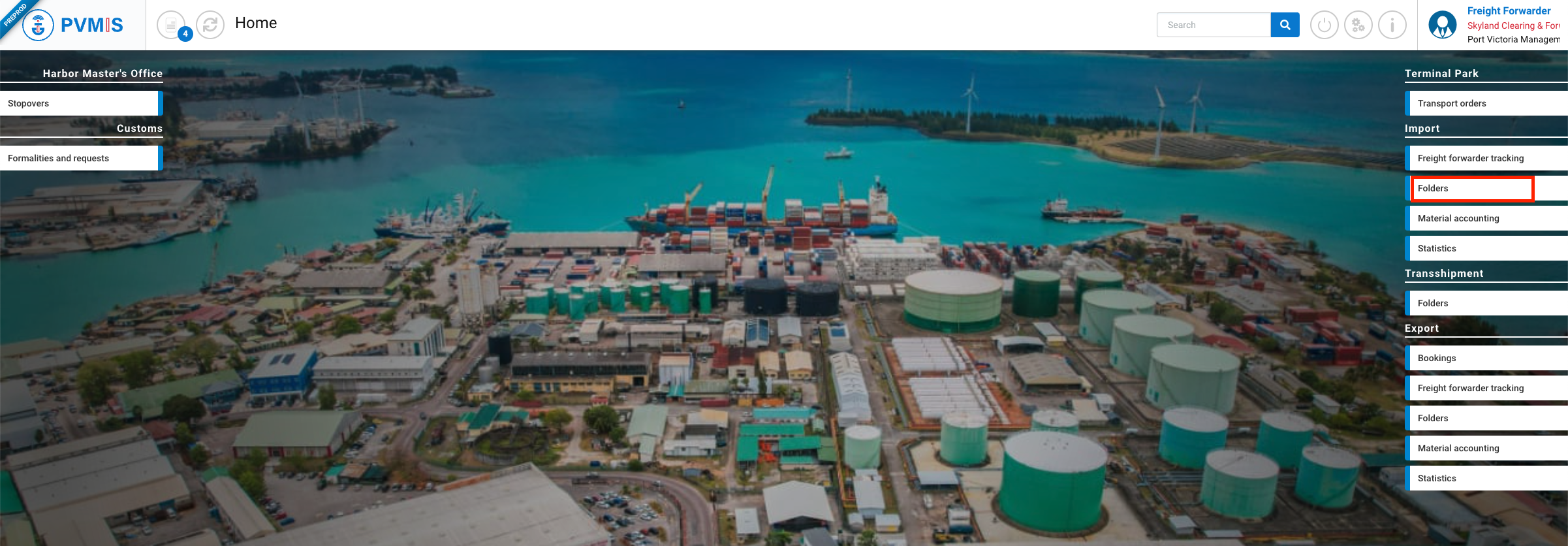
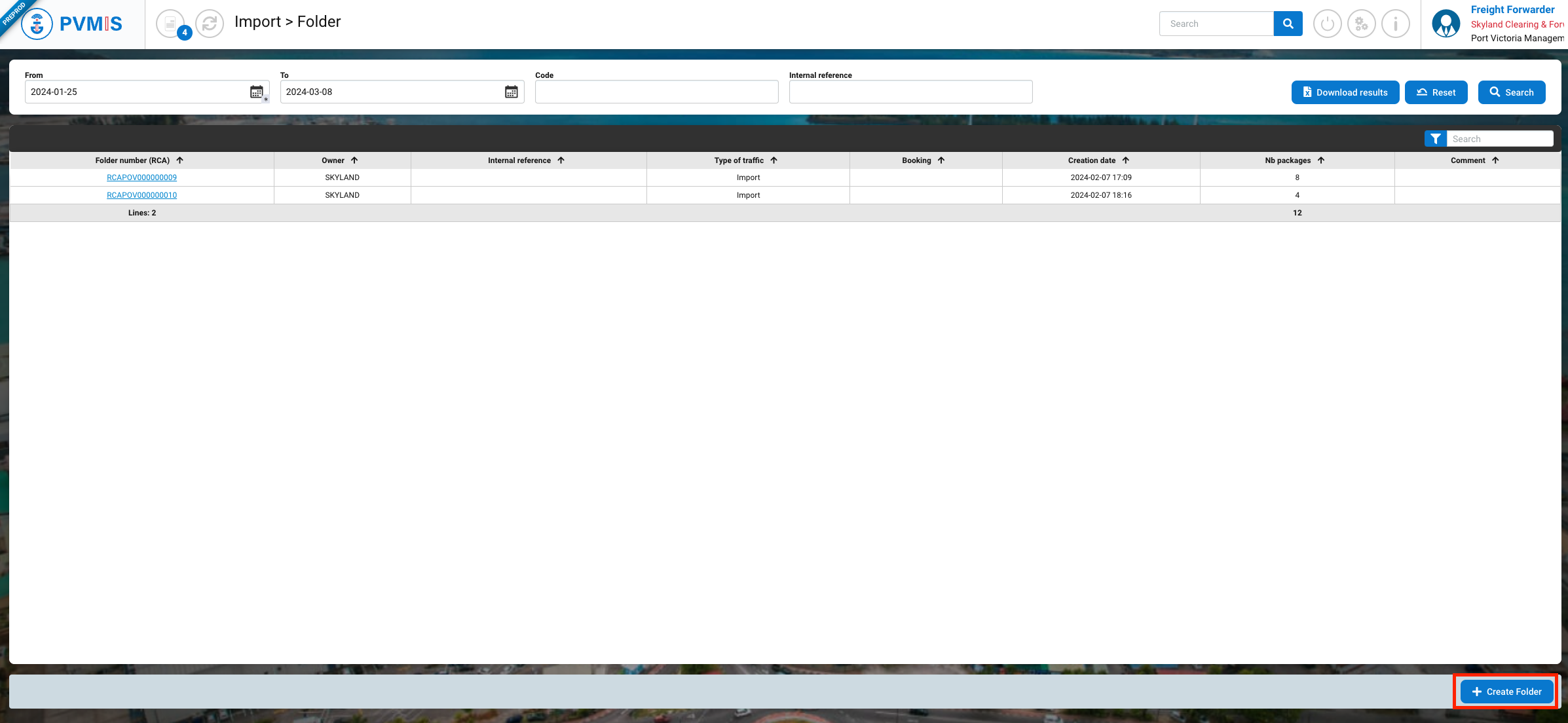
To create a custom clearance folder, click on “Folders” menu in the Import section.
Click on Create Folder button:
The folder creation form is displayed, check the “Bundles” box:
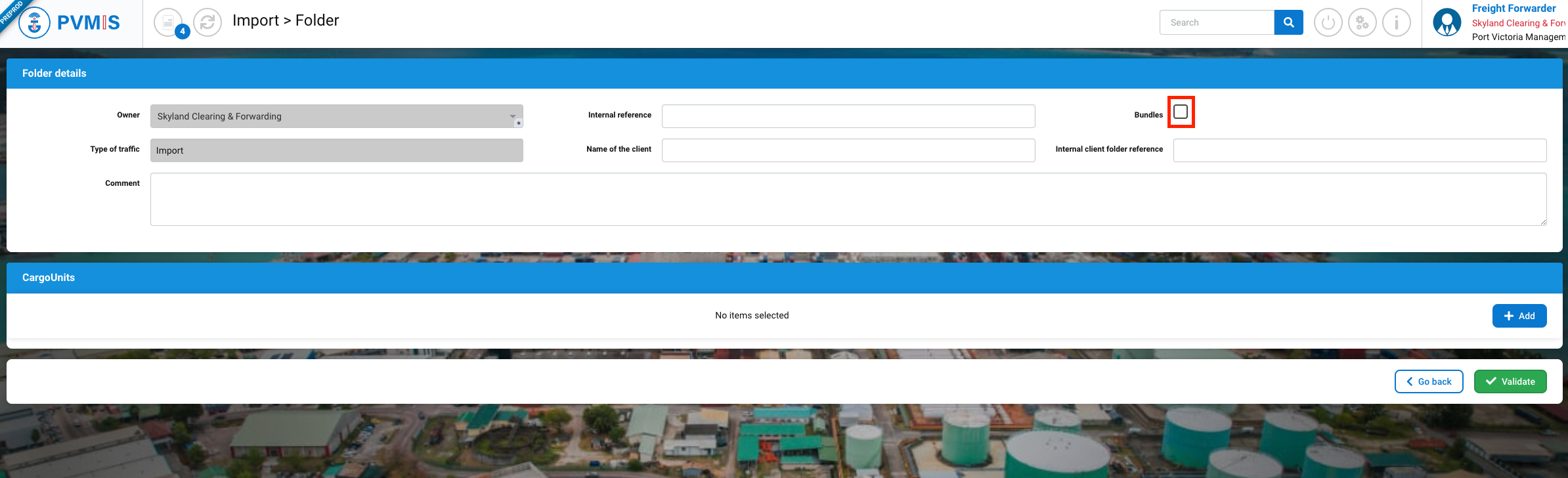
After checking the Bundles box, the folder is segmented into two sections :
-
Folder details
-
Bundles
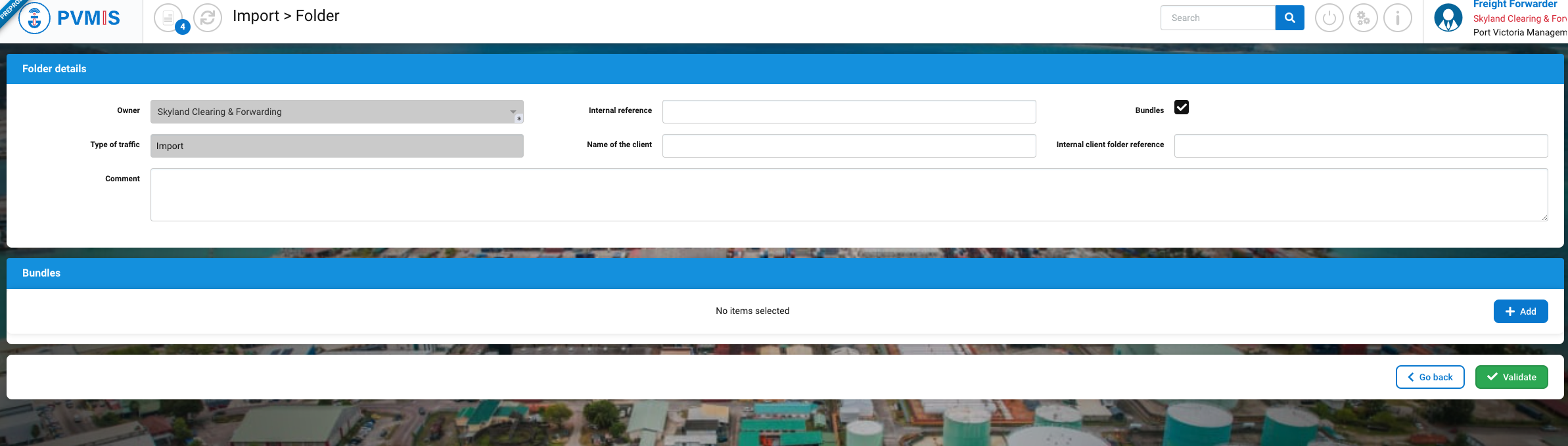
Folder details
Below here is the list of fields:
|
Fields |
Description |
|---|---|
|
Owner* |
Name of company. The fields are disabled and pre-filled based on the connected user. |
|
Internal reference |
|
|
Bundles |
Check box. If this is not checked you will only be able to select CargoUnits in your folder. |
|
Type of traffic |
Disabled and pre-filed. |
|
Name of the client |
|
|
Internal client folder reference |
|
|
Comment |
|
Bundles
After entering the folder details, in the Bundles section, select bundles by clicking on +Add button:
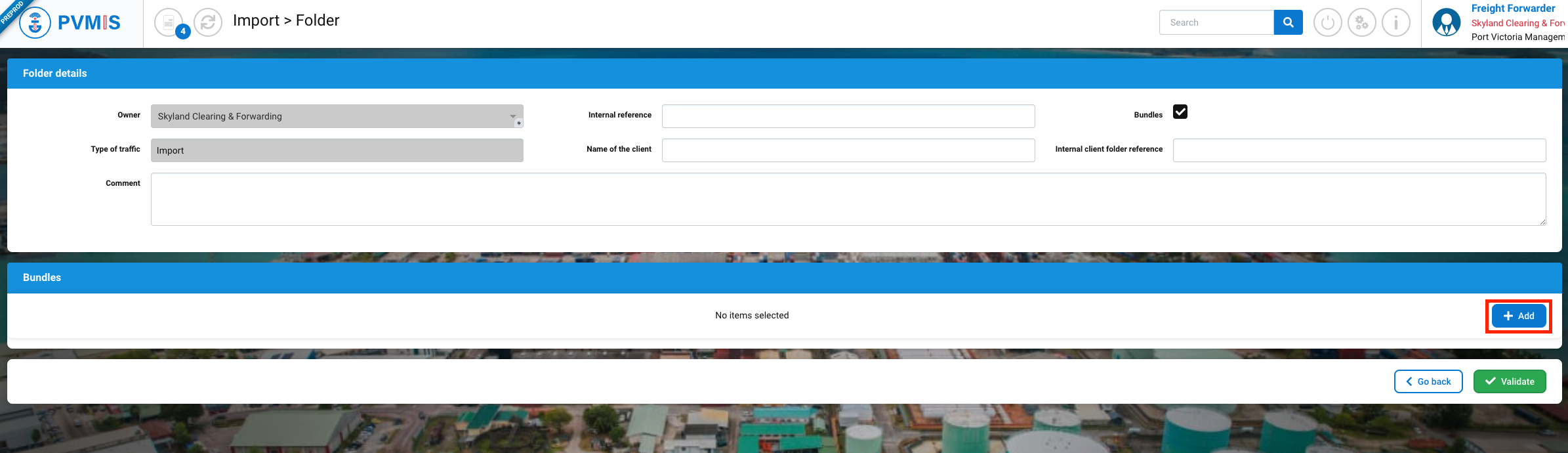
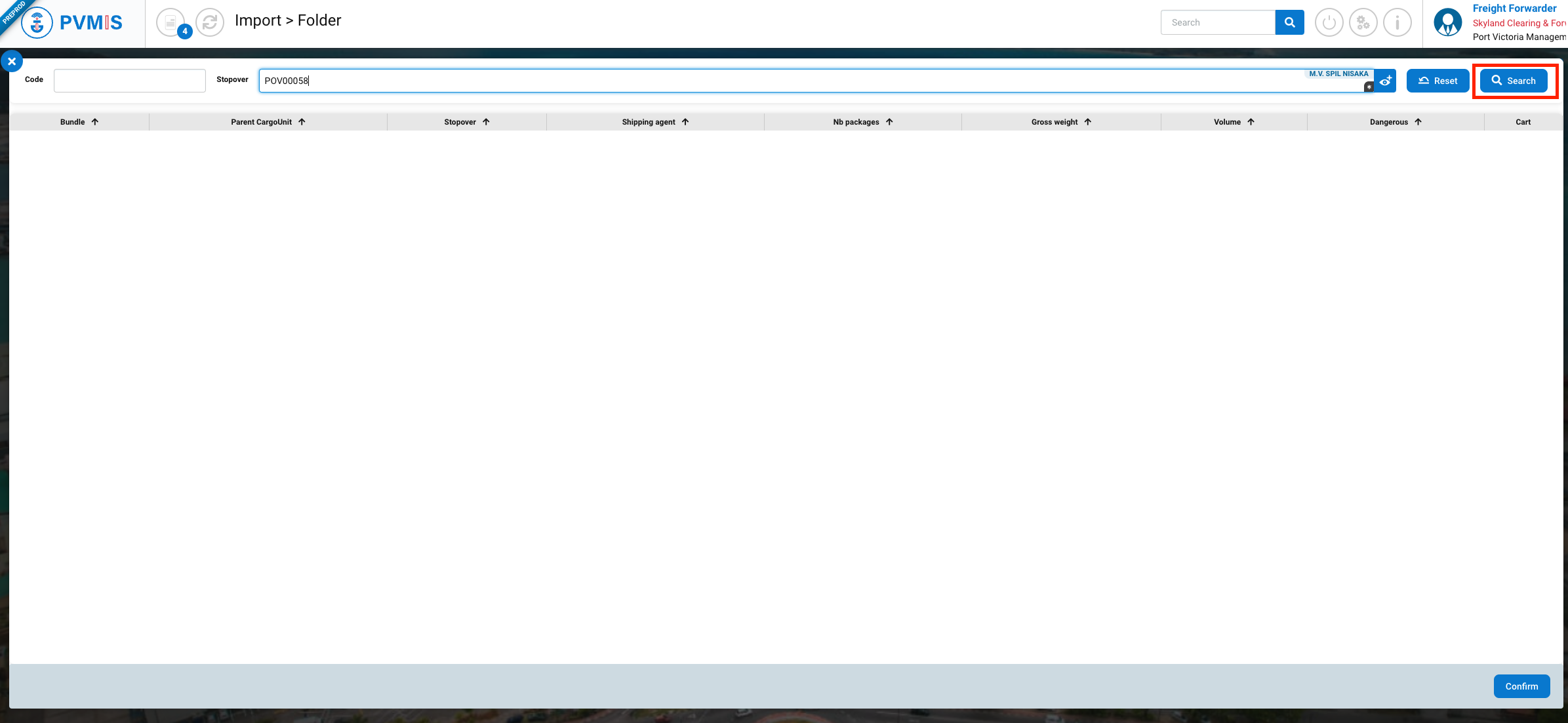
Complete the Stopover field to obtain the list of bundles to select and click on Search button:
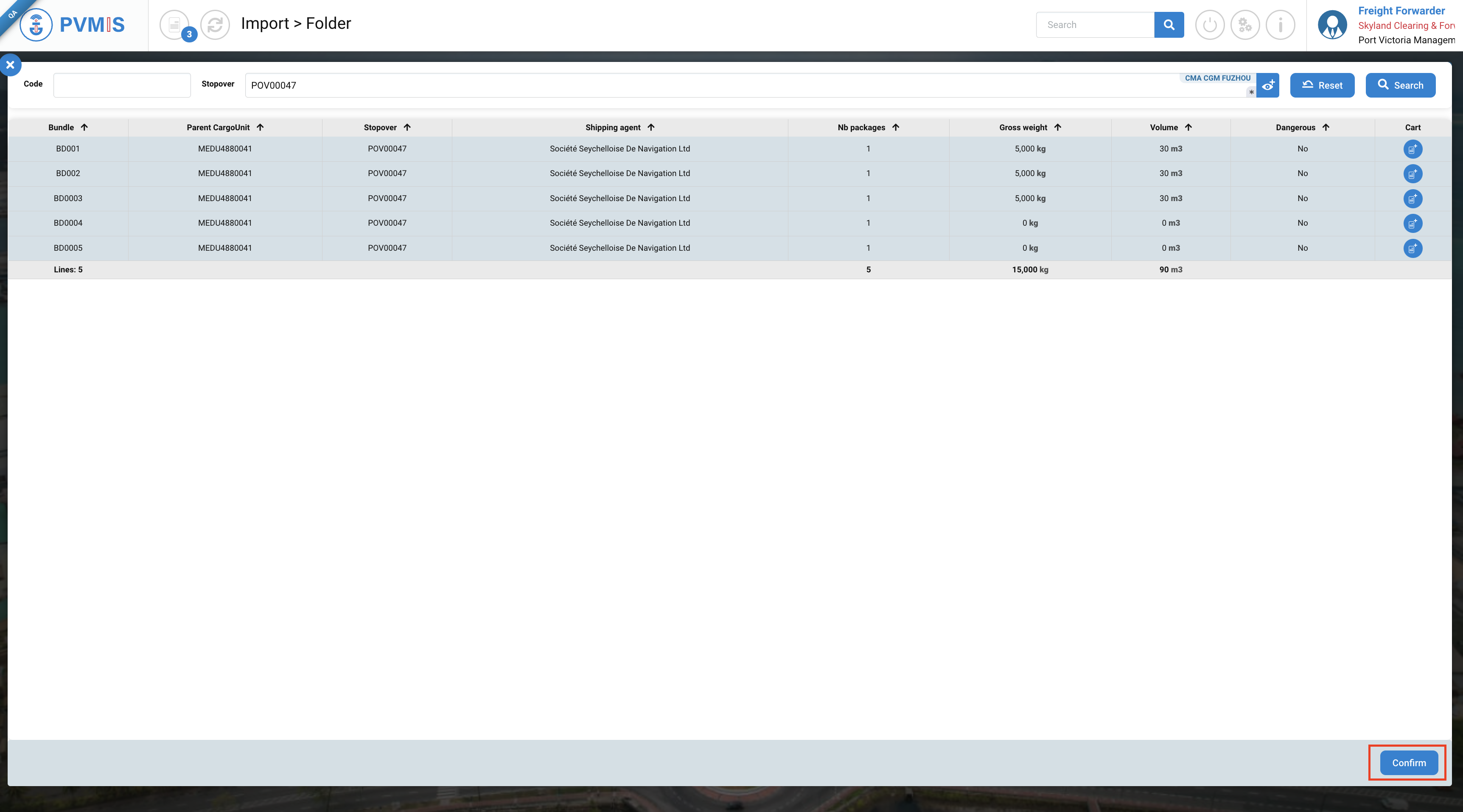
Click on the line of bundle that you want to include in the folder, you can add severals, then click on Confirm button:
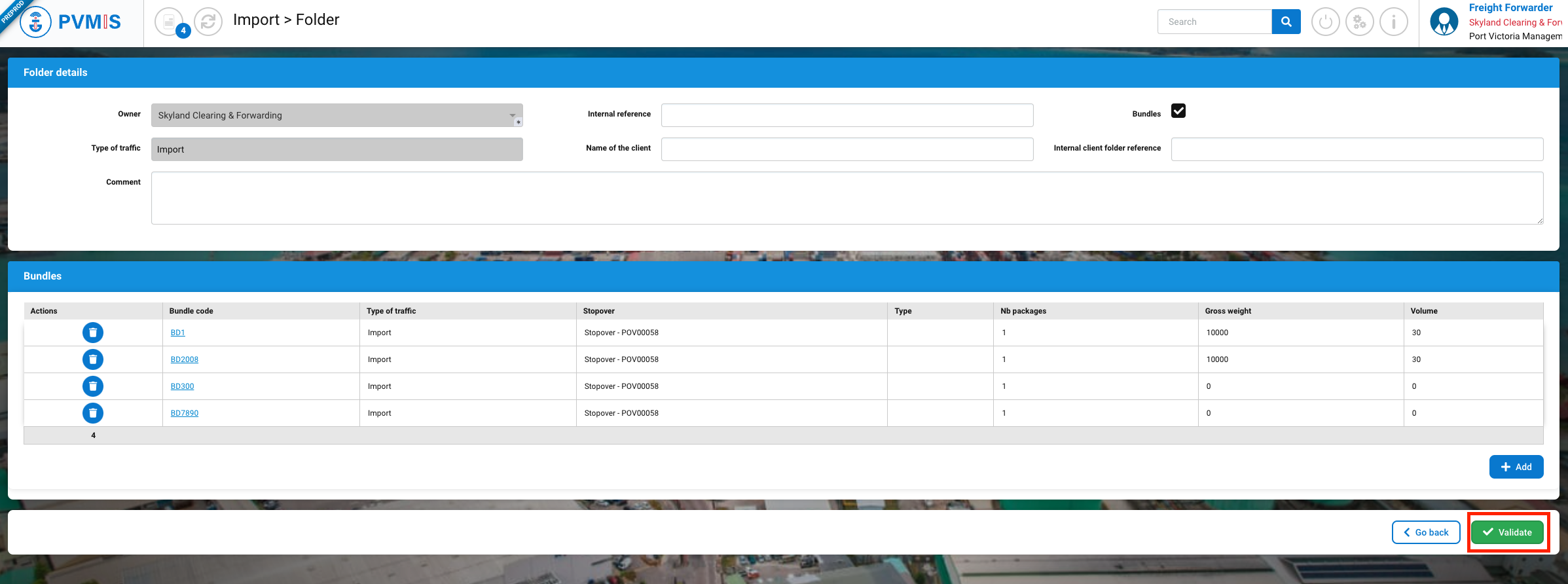
You can review the folder information, which is updated with the selection of bundles. To create the folder, click on "Validated".
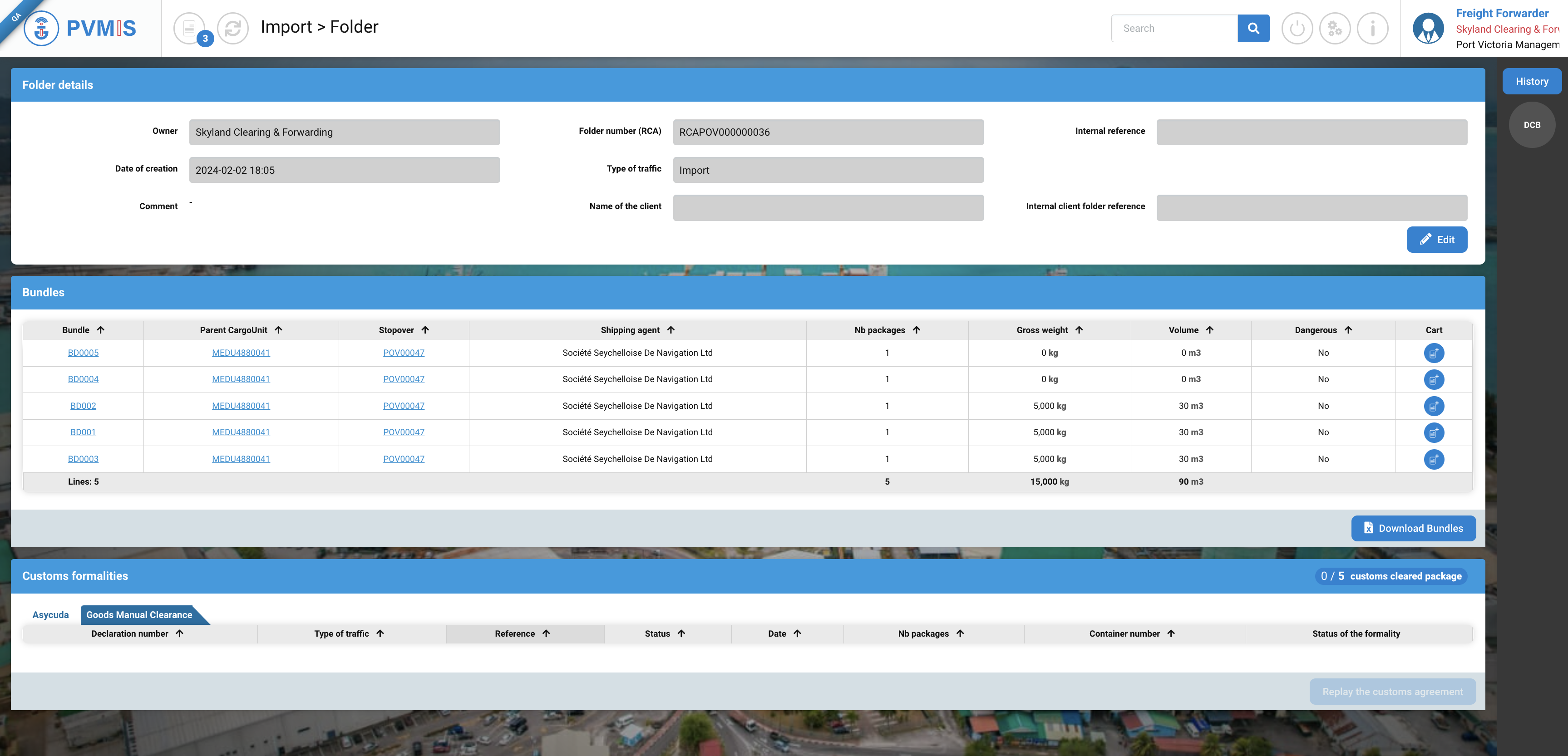
The code generated by the CCS starting with "RCA" is to be indicated when establishing a customs formality. It provides a link between your completed declarations and your digital customs clearance tracking folder contained in the CCS.
The customs clearance folder is now ready to receive formalities attesting of customs clearance.
Update a custom clearance folder
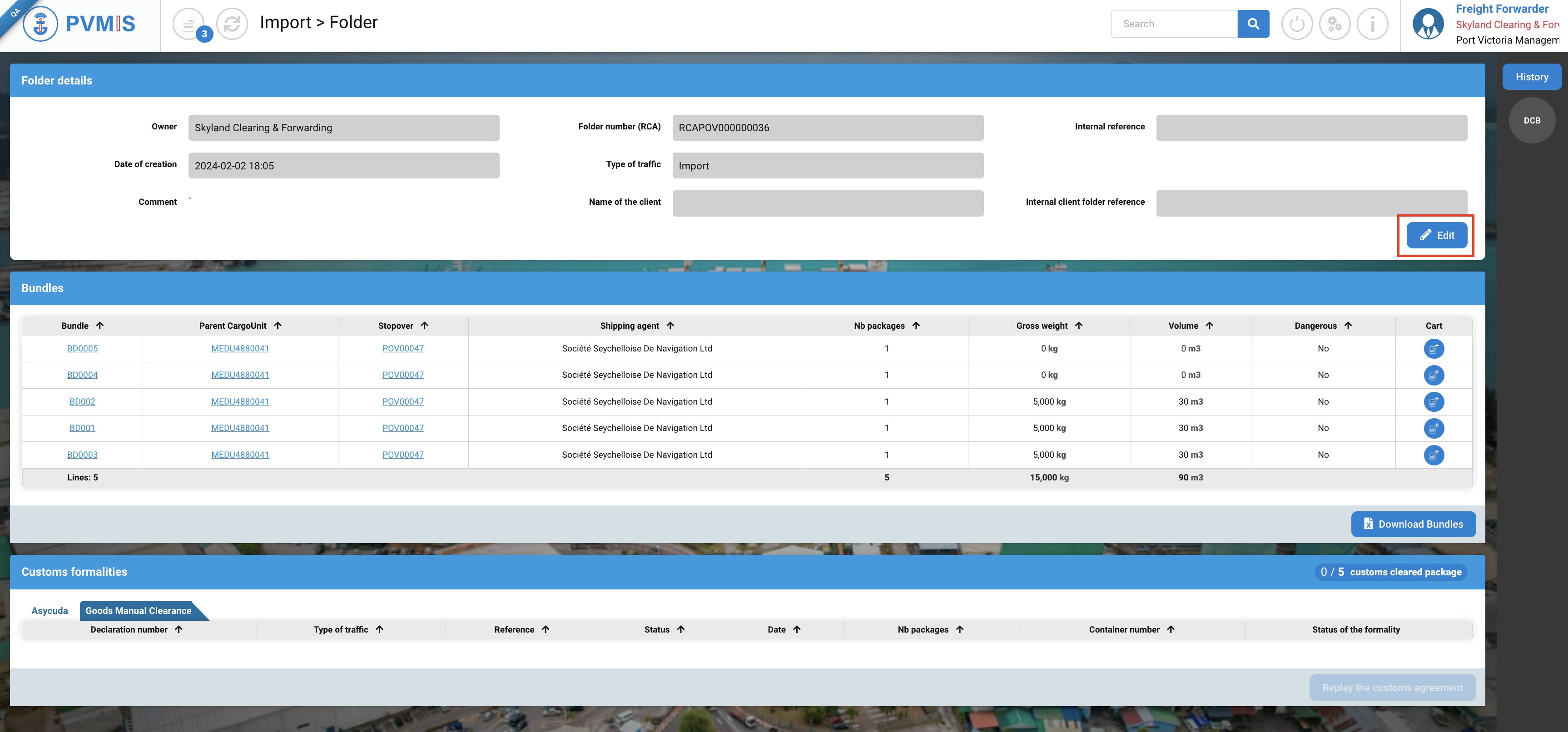
On the folder detail, click on the Edit button to access the folder modification screen.
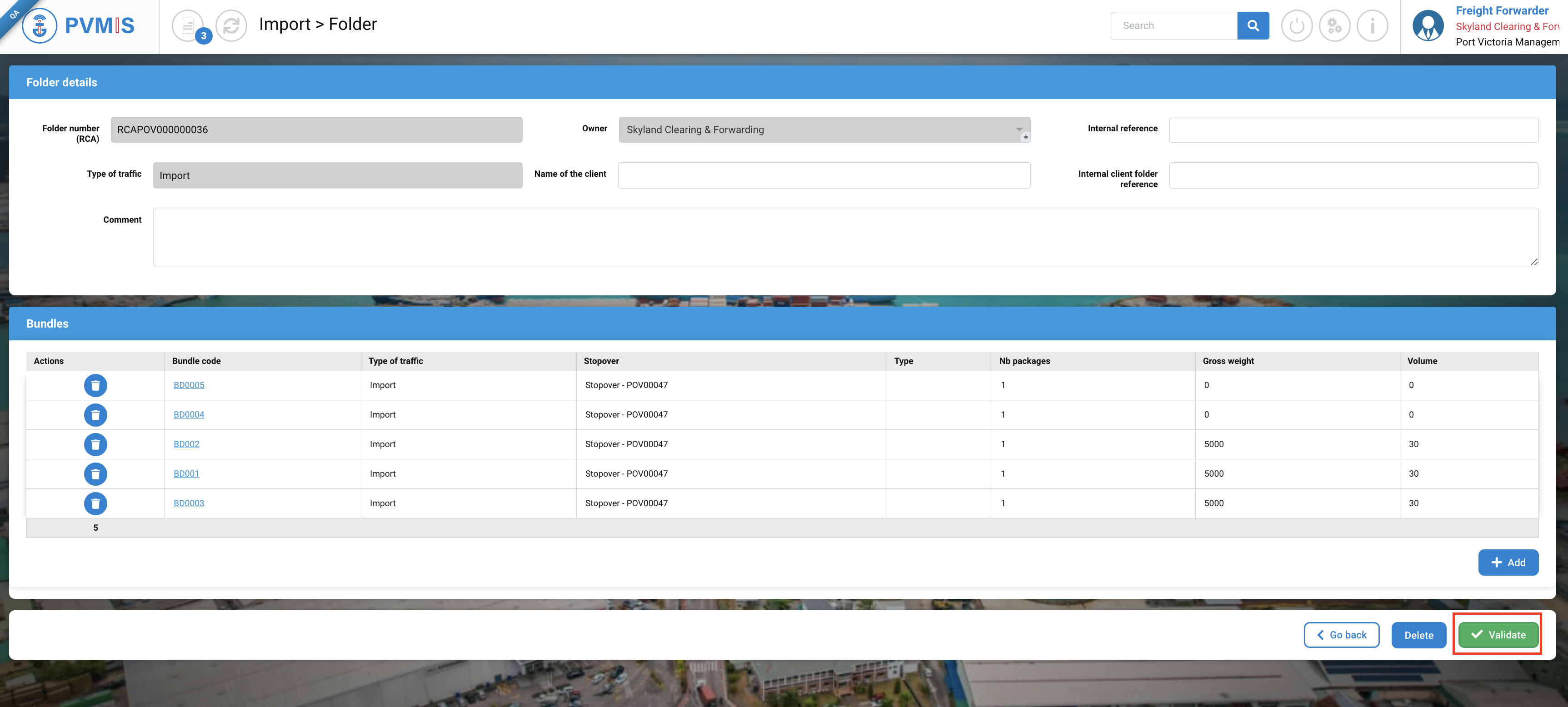
Edit the fields and validate them to edit the folder.
Delete a custom clearance folder
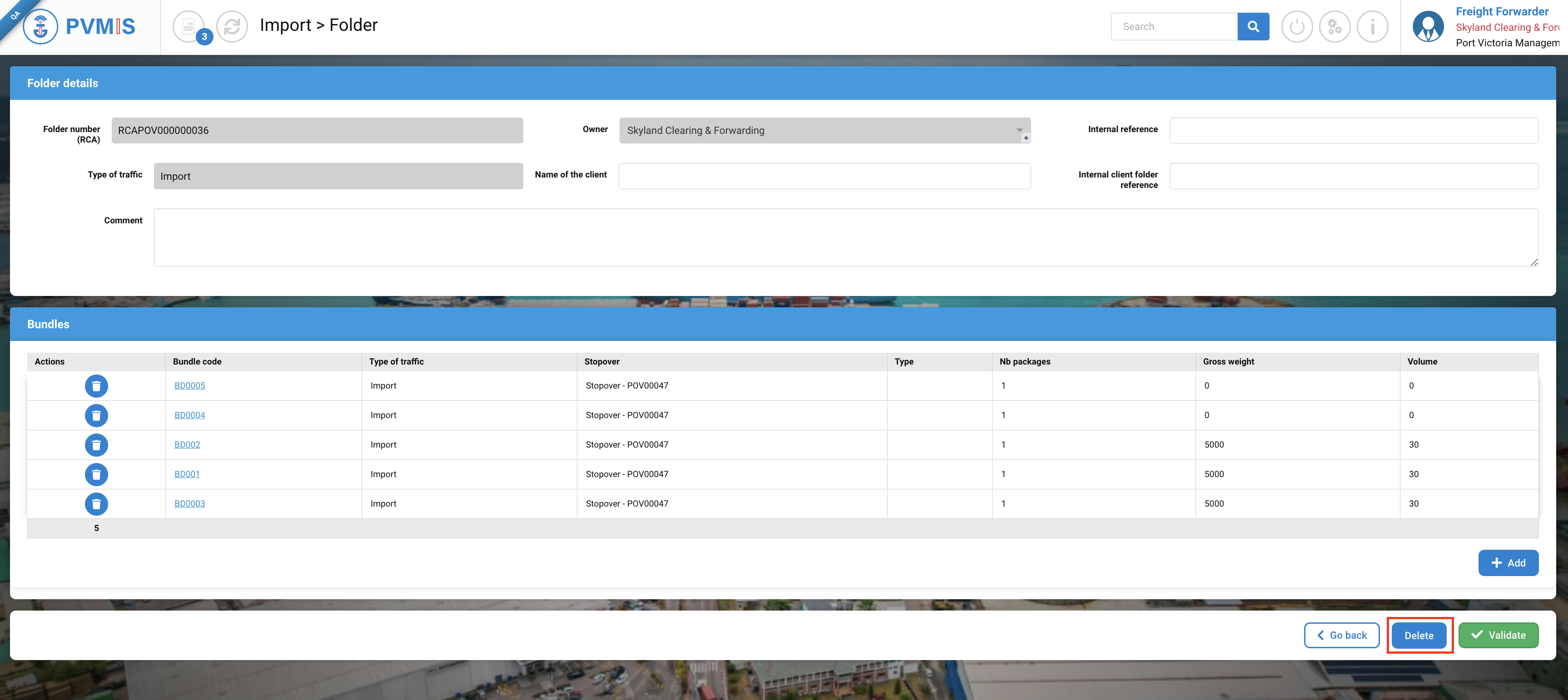
On the folder detail, click on the Edit button to access the folder modification screen.
And click on Delete button :