

|
Actors |
Gate Control |
|---|---|
|
Description |
Arrival of a truck in the port. |
|
Visibility rights |
Gate Control, Administrator. |
Accept the arrival of a truck
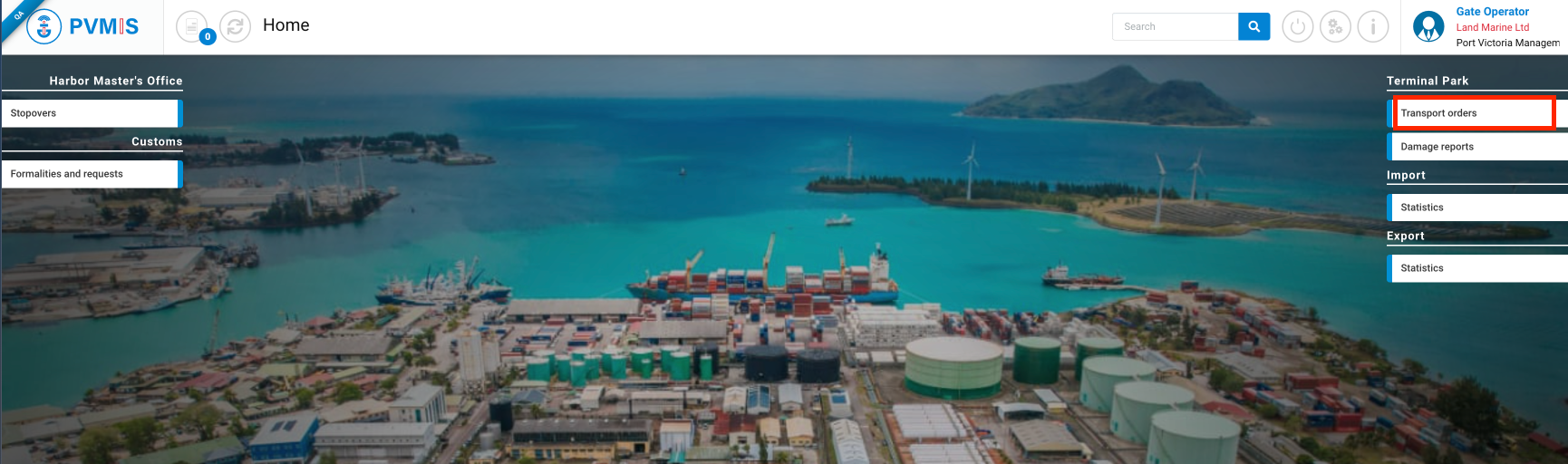
Go to the transport order, click on Transport orders menu in Terminal Park section.
You can see a list of transport order with different status in different states. Click on the corresponding Code transport order:
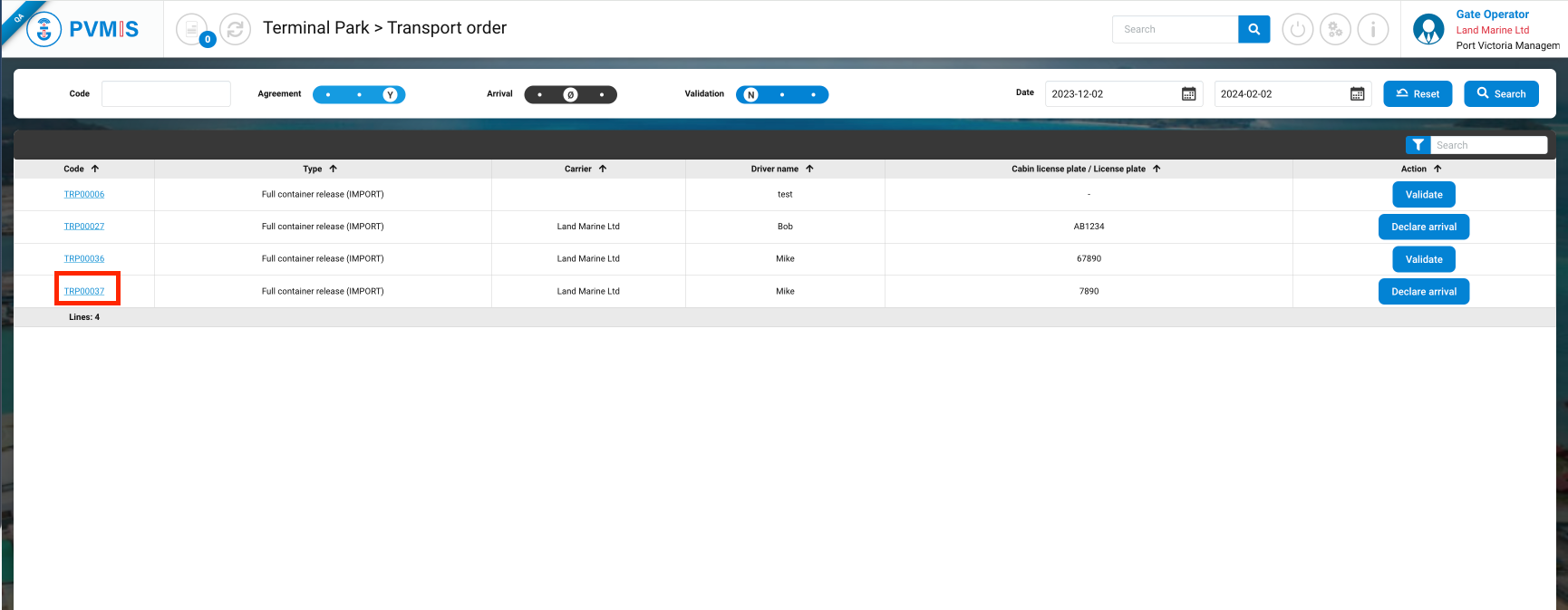
TIPS : You can directly click on the Declare arrival button.
You can consult the information of the transport order, click on Arrival status on the right of the screen.
You should only accept to let a truck in if the Agreement status of the transport order is green !
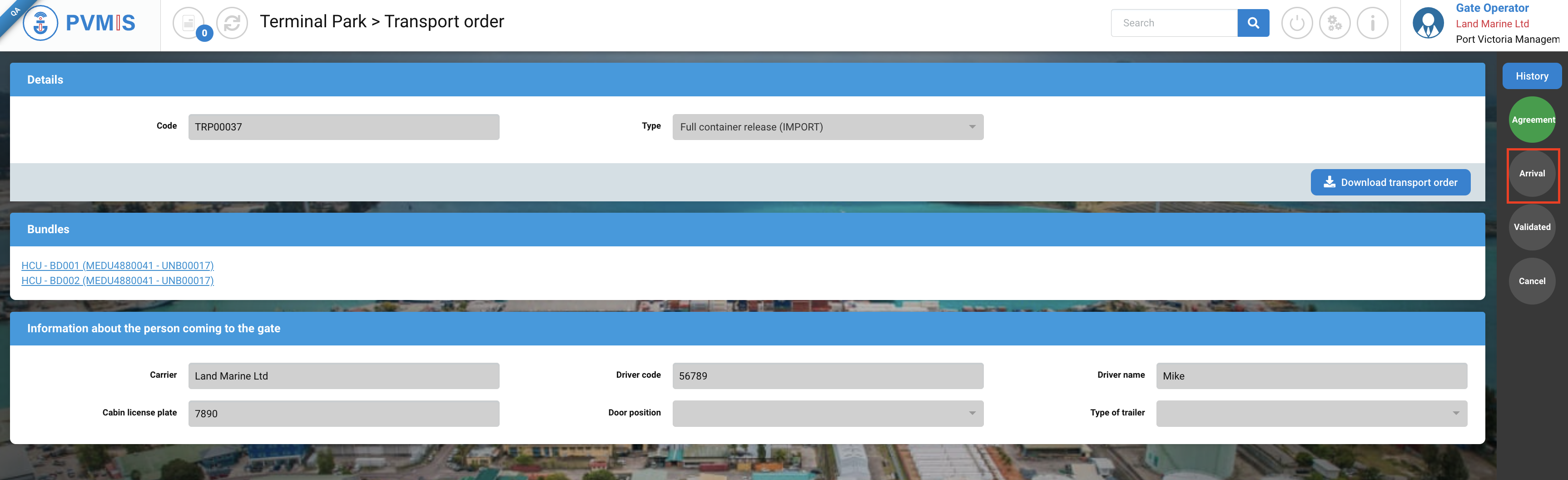
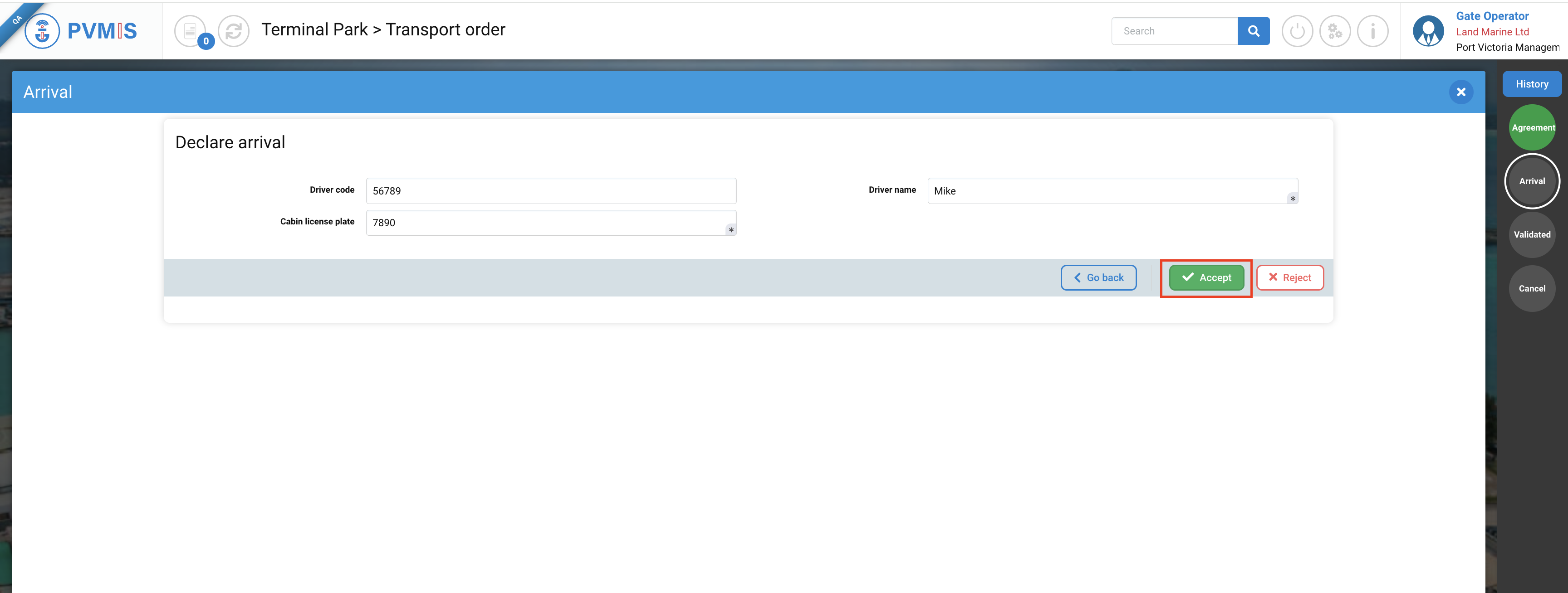
Click on Declare arrival button:
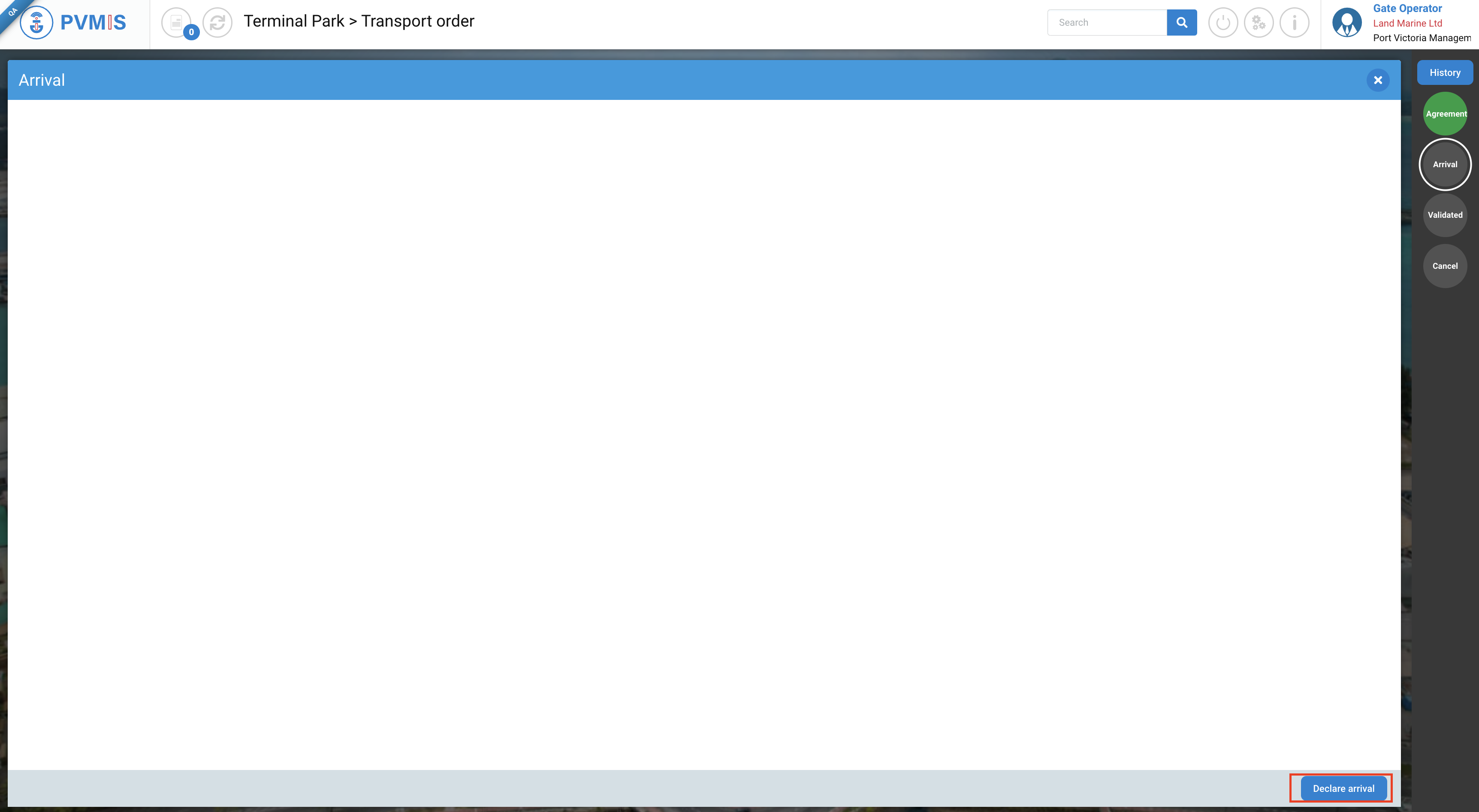
To accept the arrival, you must complete two mandatory fields to accept the carrier's arrival : Driver name and Cabin license plate (if the fields are not already pre-filled). After that, click on Accept.
If you want to reject the Arrival you can click on Reject, the Arrival indicator will turn orange and the carrier will not be allowed to enter the port.
The details transport order page is updated, the Arrival status has changed to green.
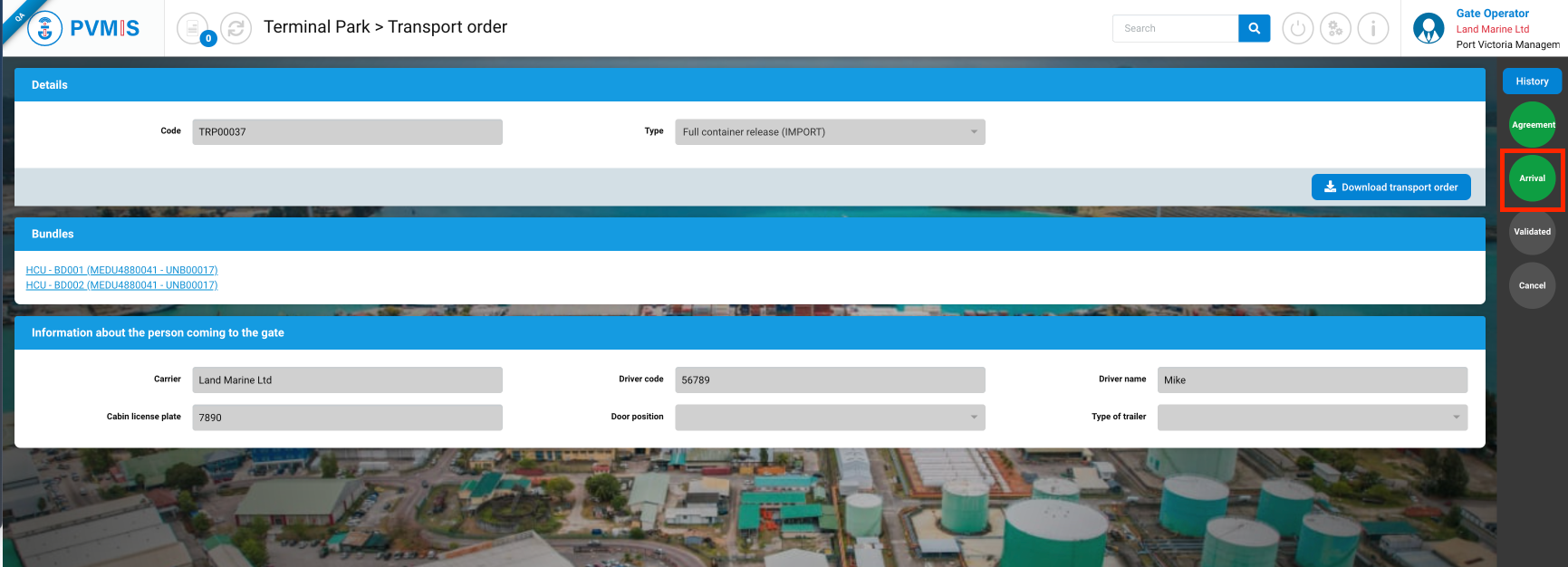
You announced the arrival of the carrier.