
|
Actors |
|
|---|---|
|
Description |
Creating FAL 2 |
|
Creation rights |
Shipping Agents |
|
Visibility right |
Shipping Agent, Customs, Harbor Master’s (Operation / Pilot / Tower) |
Cargo Declaration
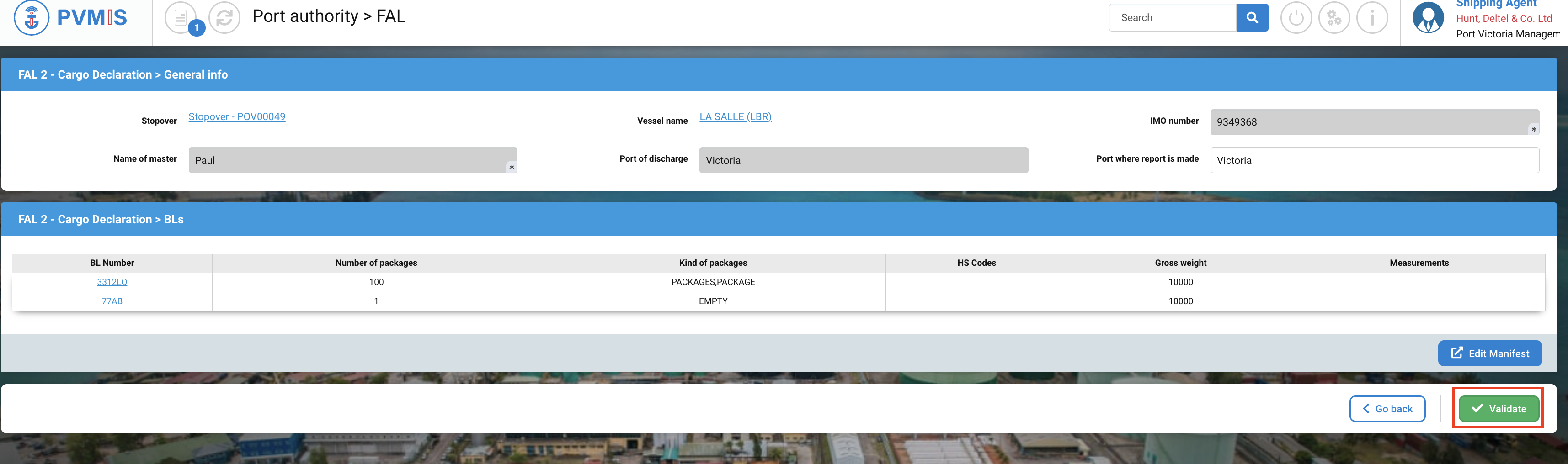
The FAL 2 is the Cargo Declaration. It corresponds with Manifest information. The general info are also available in the application.
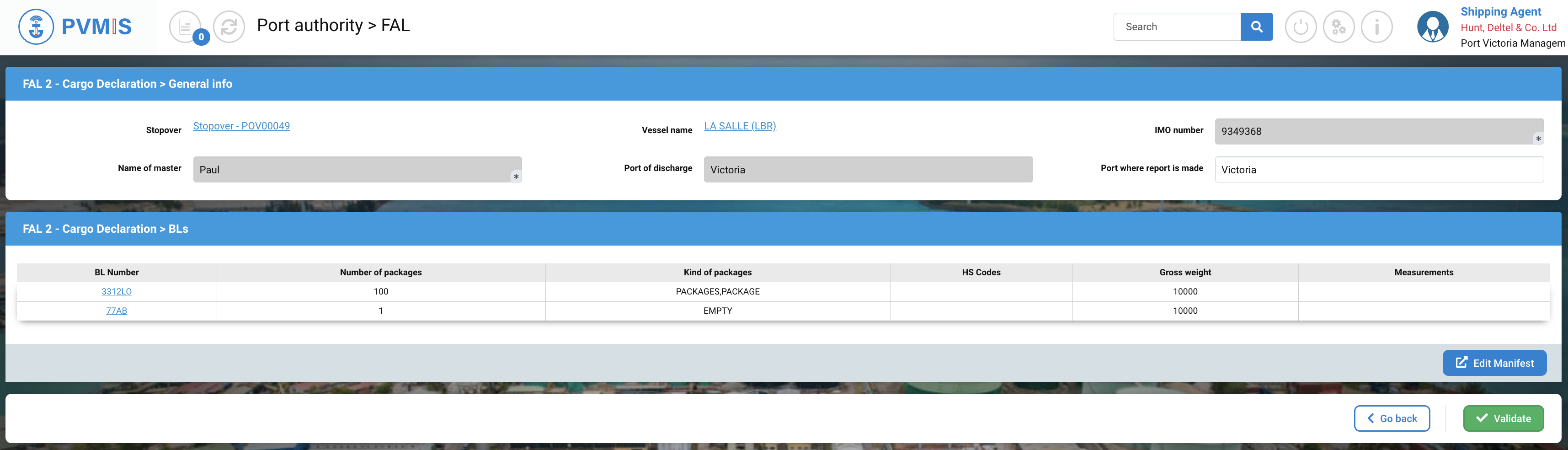
General info form

|
Fields |
Description |
|---|---|
|
Stopover |
Stopover code. You can click on the link to access to the detail of the stopover. |
|
Vessel |
The vessel of the stopover, the FAL is attached to. You can click on the link to access to the detail of the vessel. |
|
IMO number |
Disabled and pre-filed with the vessel data. |
|
Name of master |
Disabled and pre-filed with the stopover data. |
|
Port of discharge |
Disabled and pre-filed with the stopover data. |
|
Port where report is made |
Pre-filed with the stopover data. |
BLs form

The information comes automatically from the manifested BLs.
Data displayed in the table is :
-
BL Number
-
Number of packages
-
Kind of packages
-
HS Codes
-
Gross weight
-
Measurements
If the manifest has not yet been created, or if the FAL data is not correct, you can access the manifest by clicking on the Edit Manifest button.
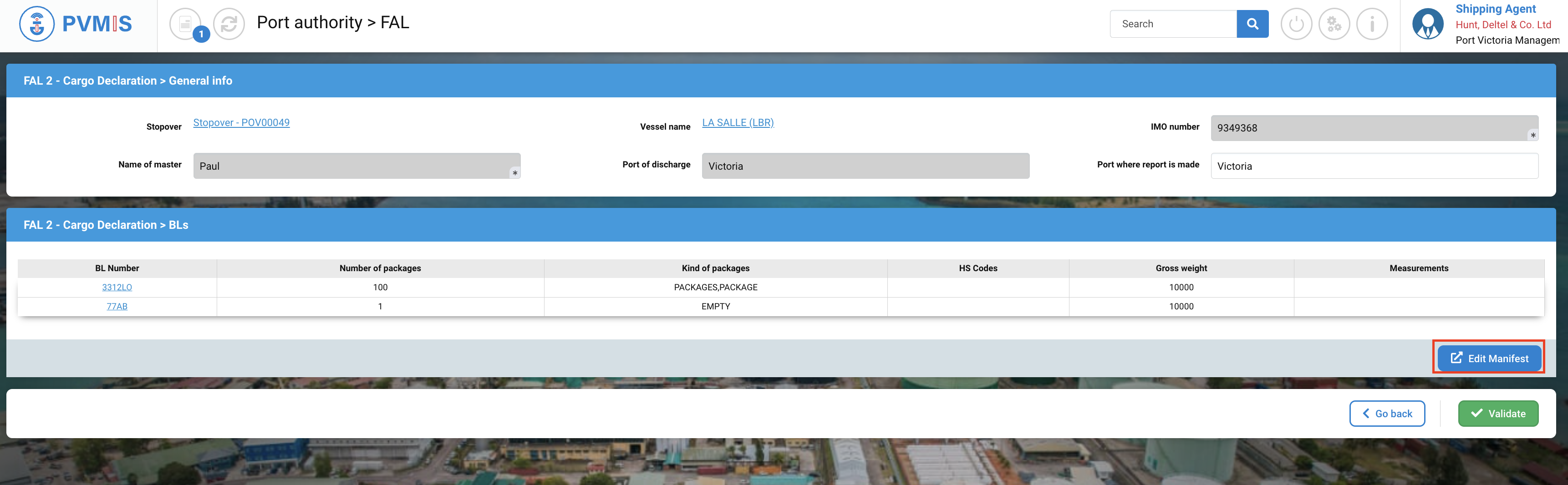
Then click on Validate to generate the FAL.