
|
Actors |
|
|---|---|
|
Description |
Creating FAL 3. |
|
Creation rights |
Shipping Agents |
|
Visibility right |
Shipping Agent, Customs, Harbor Master’s (Operation / Pilot / Tower) |
Ship’s Store Declaration
The FAL 3 is the Ship’s Store Declaration. Most of the required information comes from the stopover data and from previous FAL forms. The ship’s store article are then added manually.
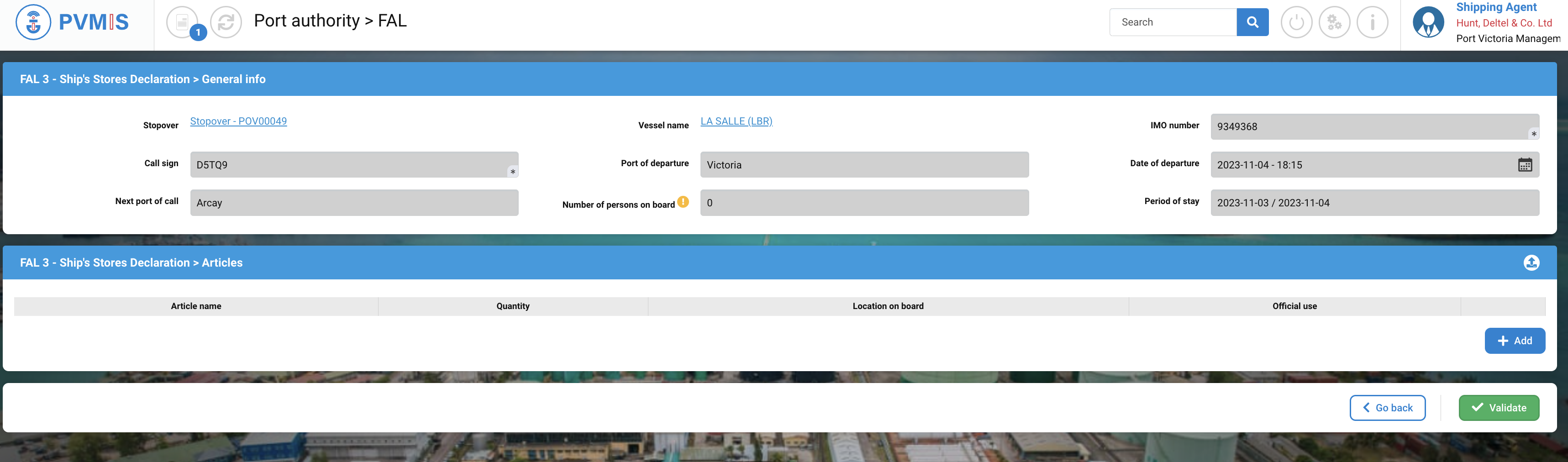
General info form

|
Fields |
Description |
|---|---|
|
Stopover |
Stopover code. You can click on the link to access to the detail of the stopover. |
|
Vessel Name |
The vessel of the stopover, the FAL is attached to. You can click on the link to access to the detail of the vessel. |
|
IMO number |
Disabled and pre-filed by the vessel data. |
|
Call sign |
Disabled and pre-filed by the vessel data. |
|
Port of departure |
Disabled and pre-filed by the stopover data. |
|
Date of departure |
Disabled and pre-filed by the stopover data. |
|
Next port off call |
Disabled and pre-filed by the maritime route data. |
|
Number of persons on board |
Disabled and pre-filed with the FAL 5 and 6 data. |
|
Period of stay |
Disabled and pre-filed by the stopover data. |
Articles form
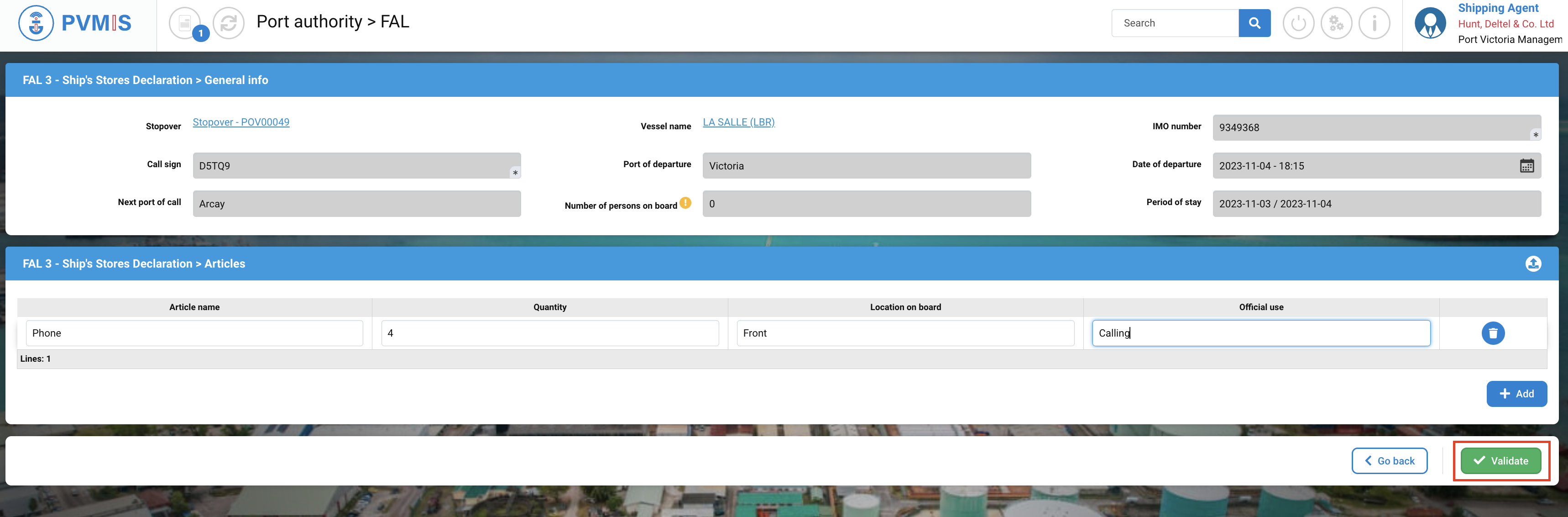
Click on +Add.

You can enter the list of articles present in the ship.

|
Fields |
Description |
|---|---|
|
Article name |
Name of good. |
|
Quantity |
Quantity of article. |
|
Location on board |
Location of the article on a board. |
|
Official use |
Description quickly of the use. |
Click on Validate.
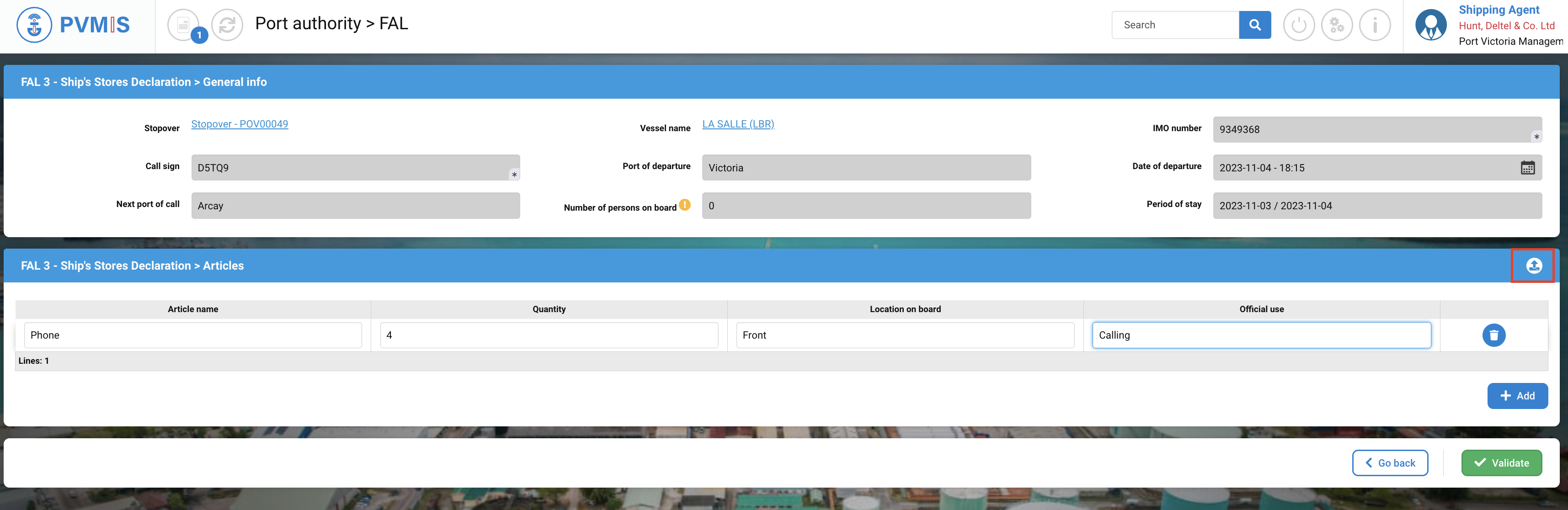
TIPS : You can also upload directly this information using the following csv format file.
Click on Import icon.