
|
Actors |
Shipping Agents |
|---|---|
|
Description |
After accept all differences declared by Stevedores, you can generate the final manifest. |
|
Visibility rights |
Shipping Agents, Administrator. |
To generate final manifest, first the agent must accept difference report.
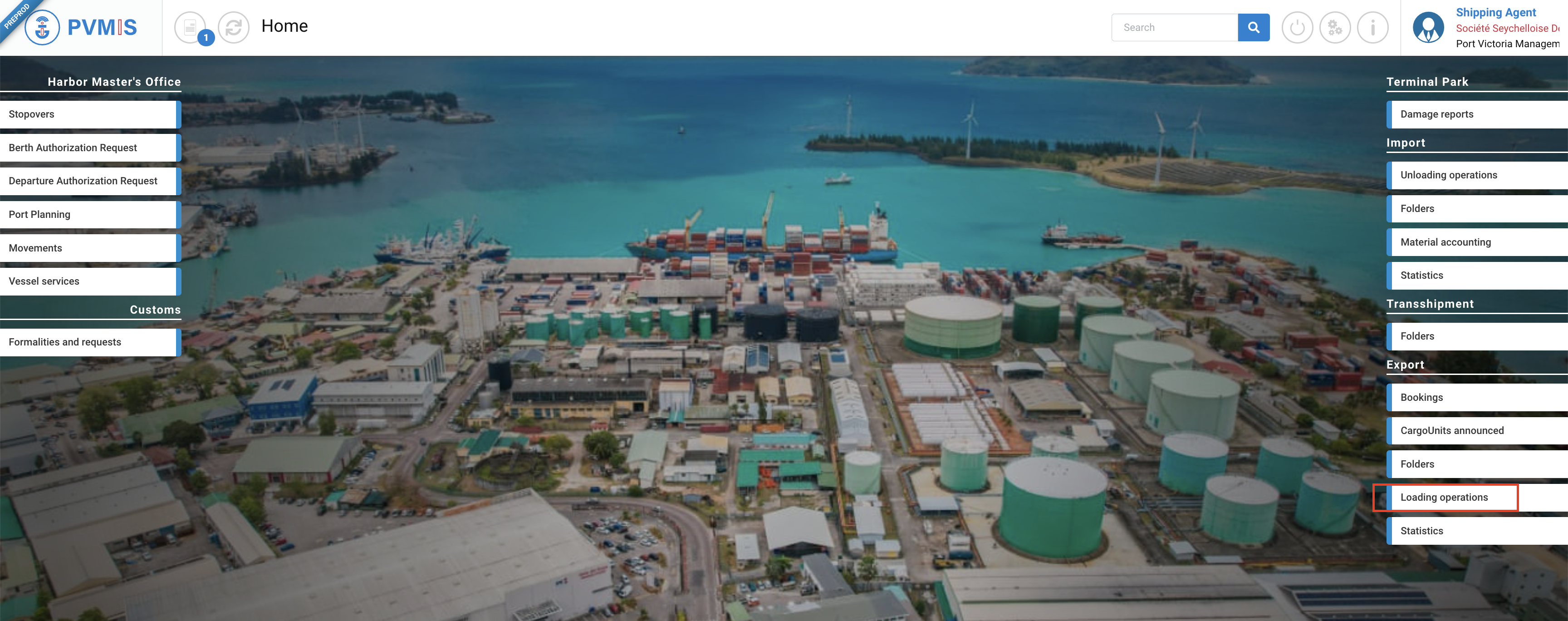
After accepting all differences on each CargoUnit, go to the difference report screen. Click on “Loading operations” menu in Export section:
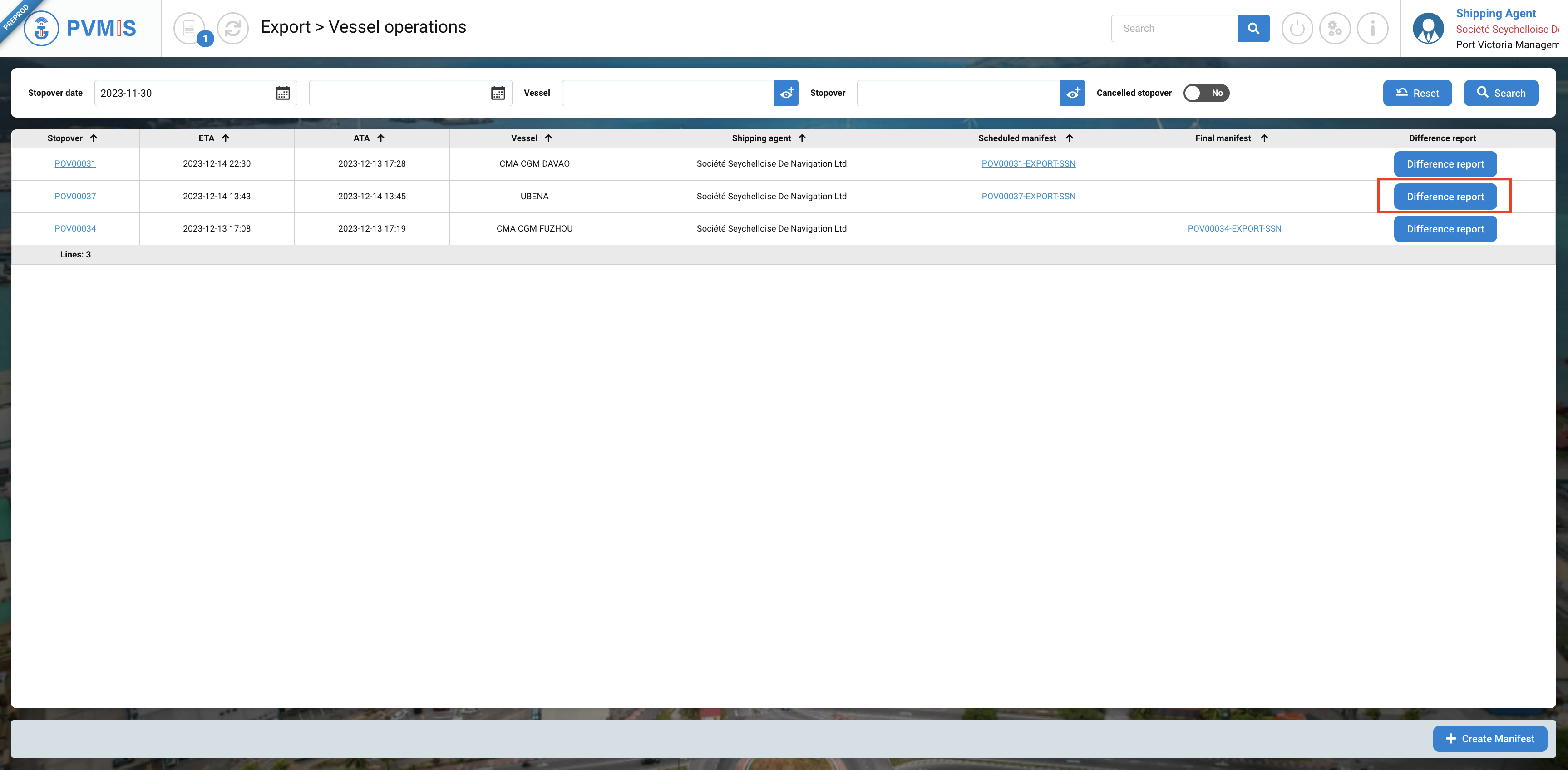
A list of all stopovers corresponding to the date range is displayed. Click on Difference report on the associated stopover.
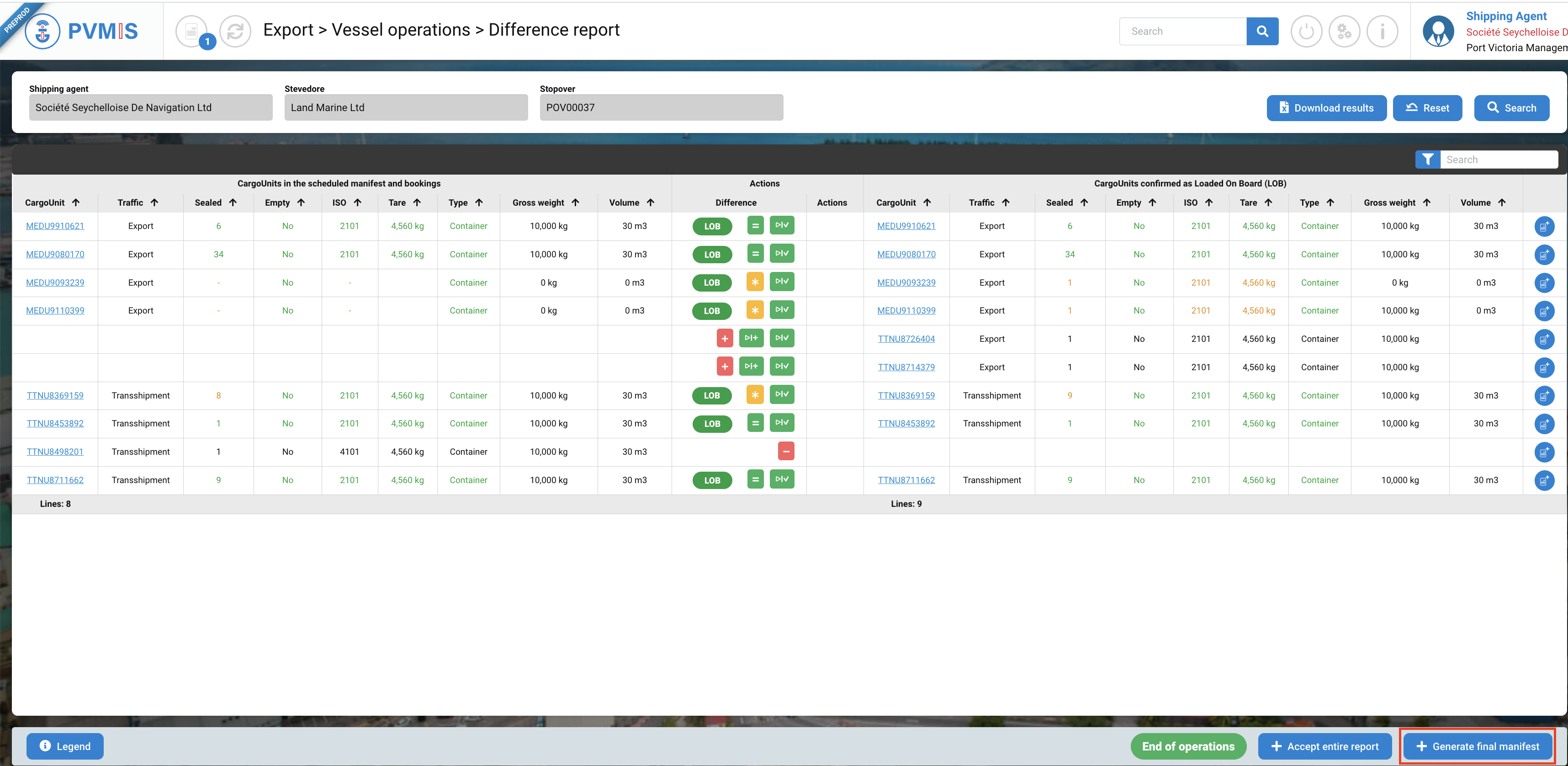
You can consult the difference report, click on +Generate final manifest to generate the definitive import manifest of the stopover.
Then click on Confirm.
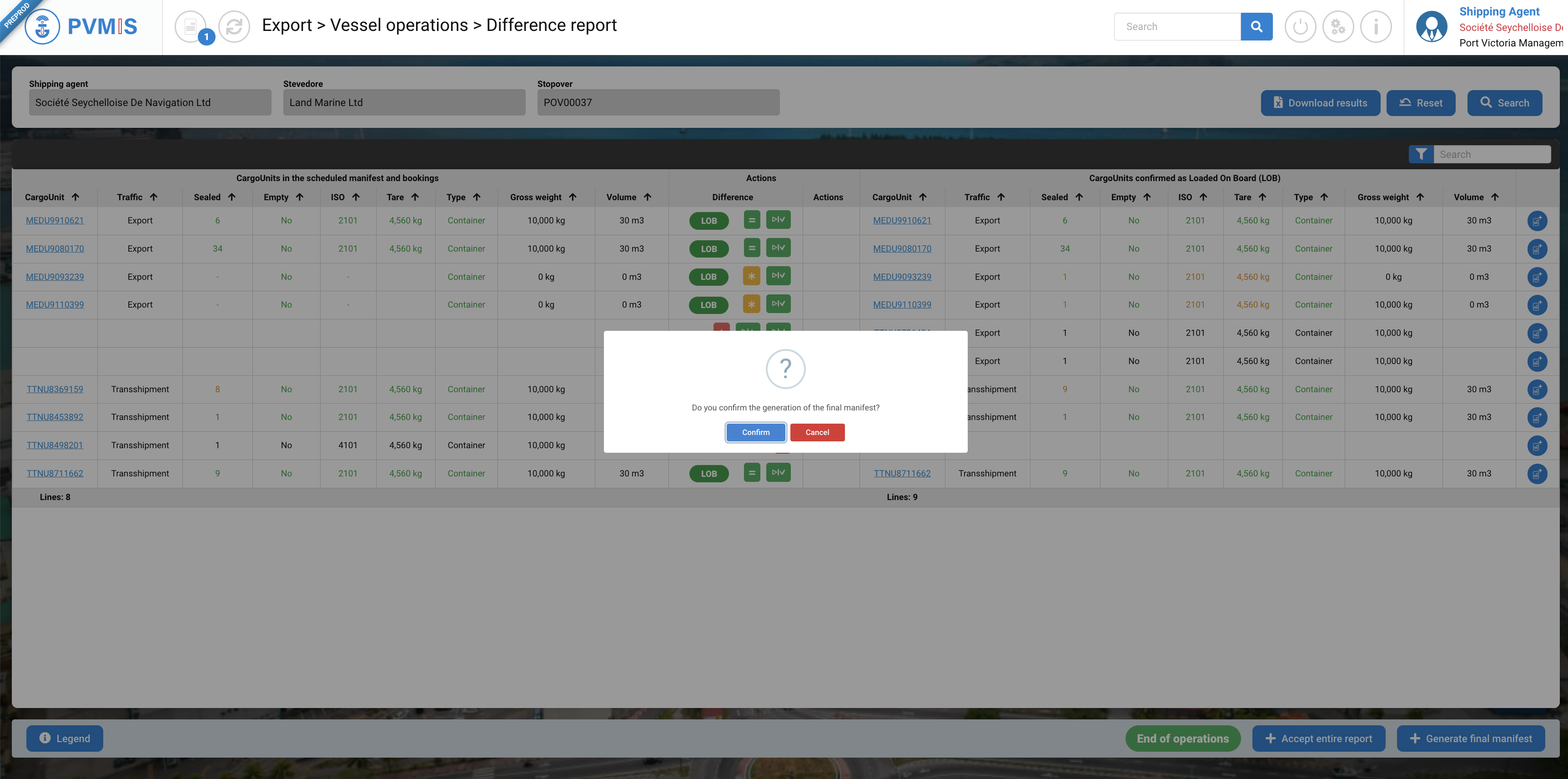
All operations are complete for the shipping agents. The final manifest is generated and can be reviewed by local customs.
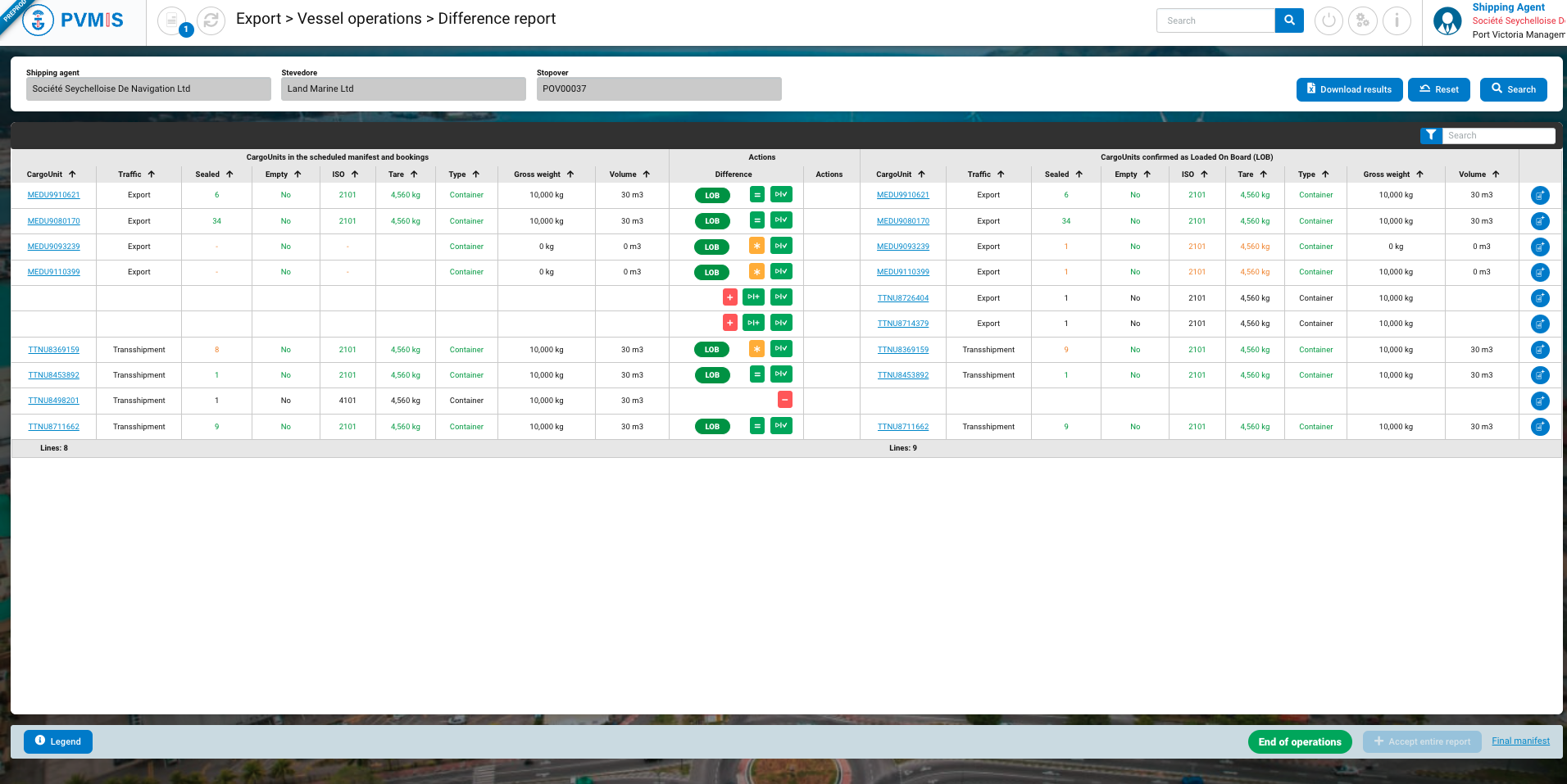
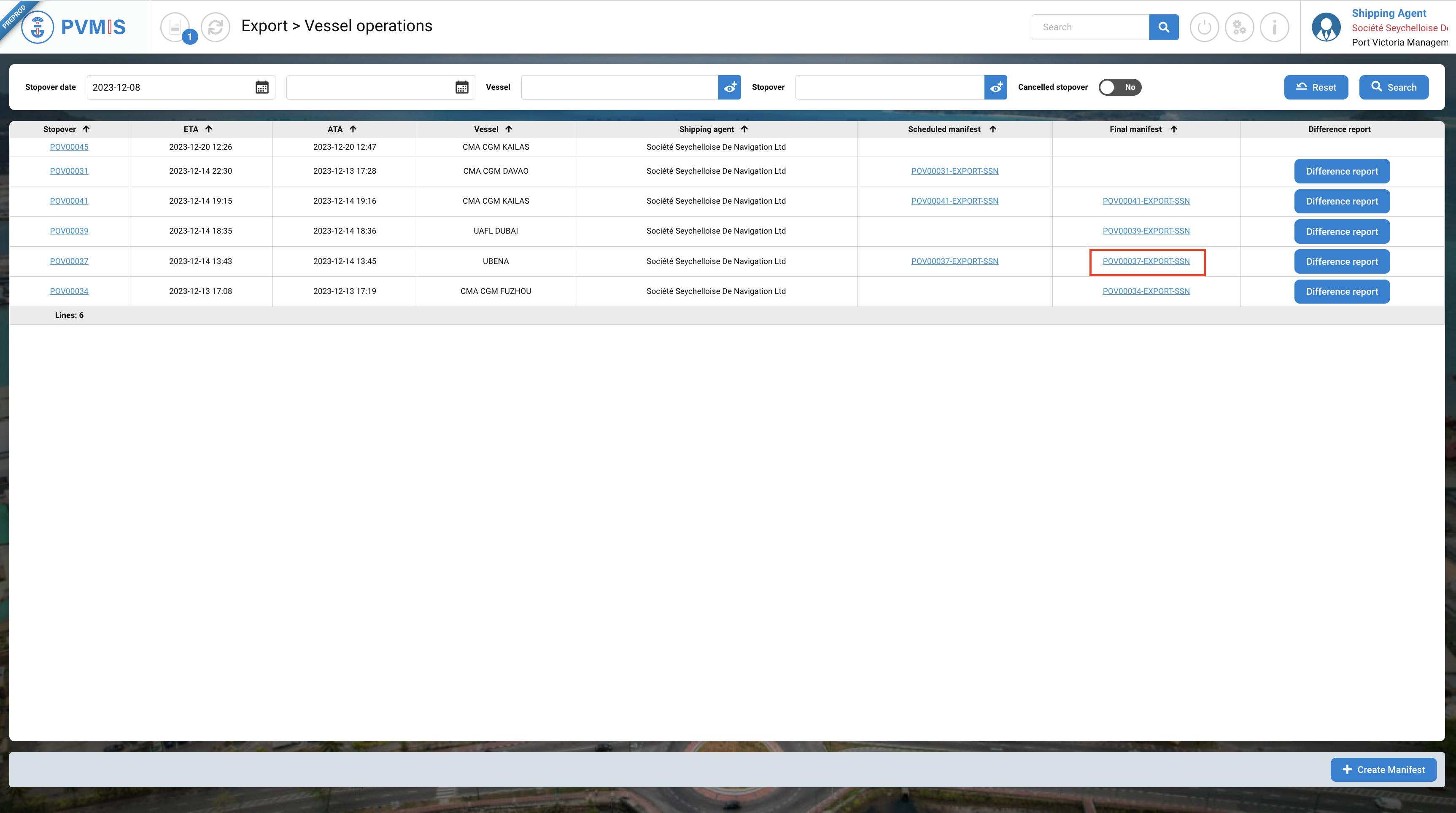
Click on the Final manifest link to access the definitive manifest.
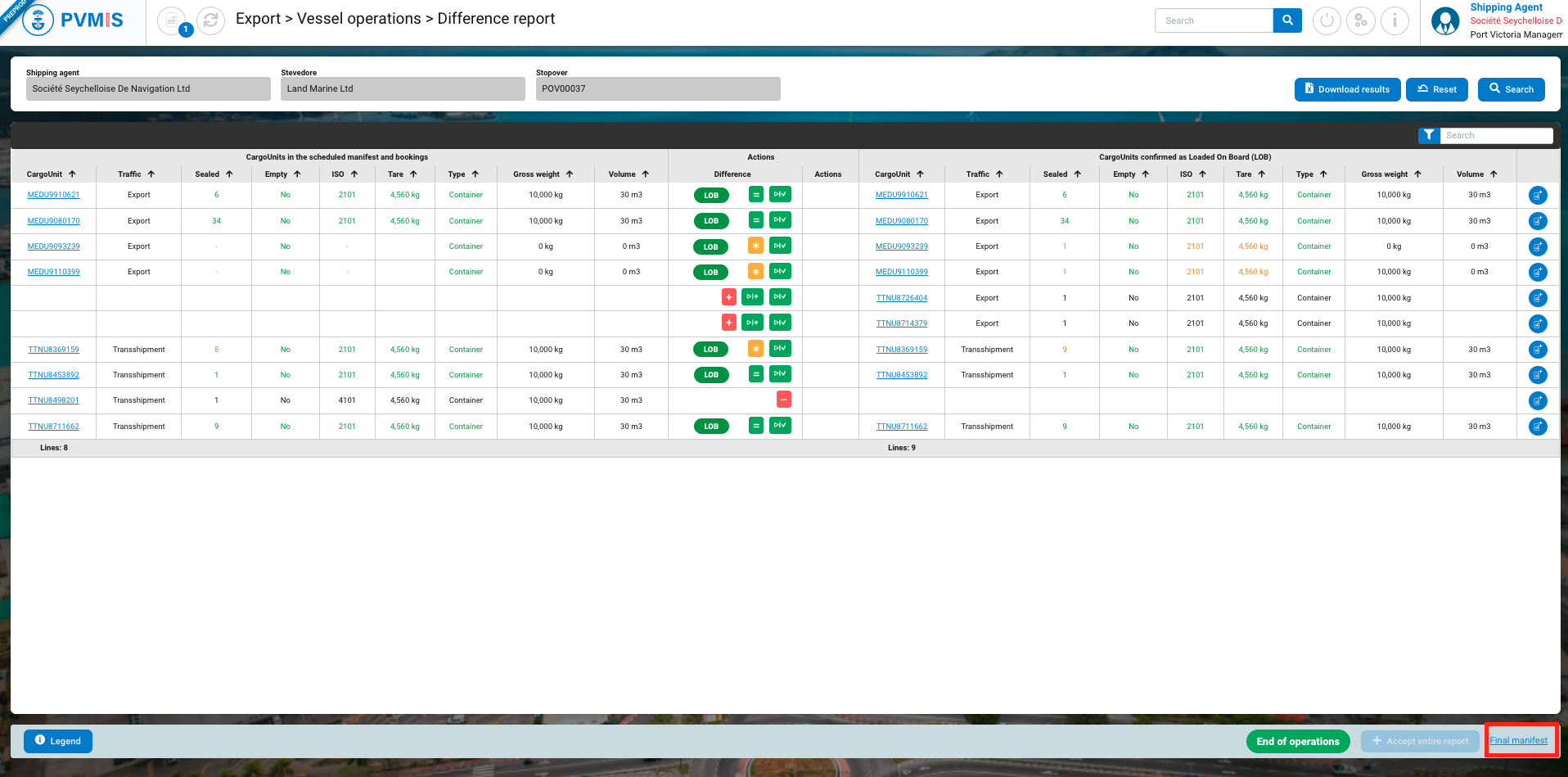
This is the visualization of your final manifest.
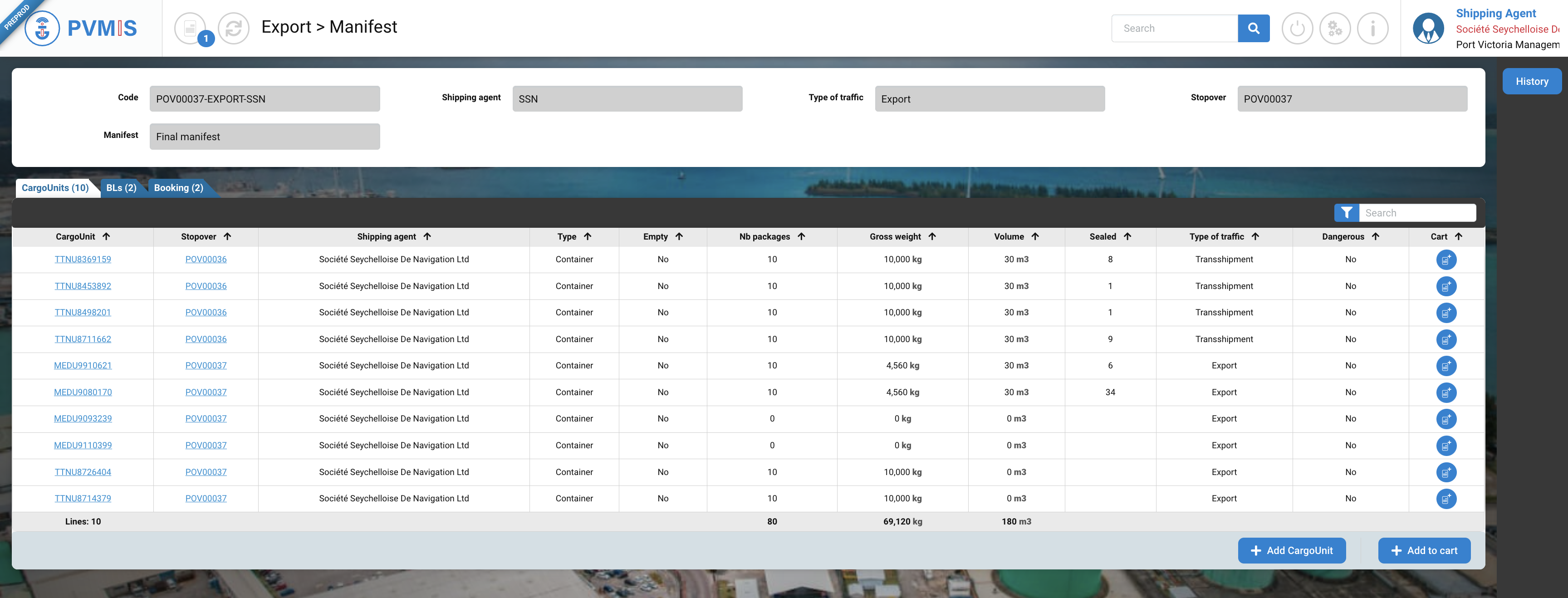
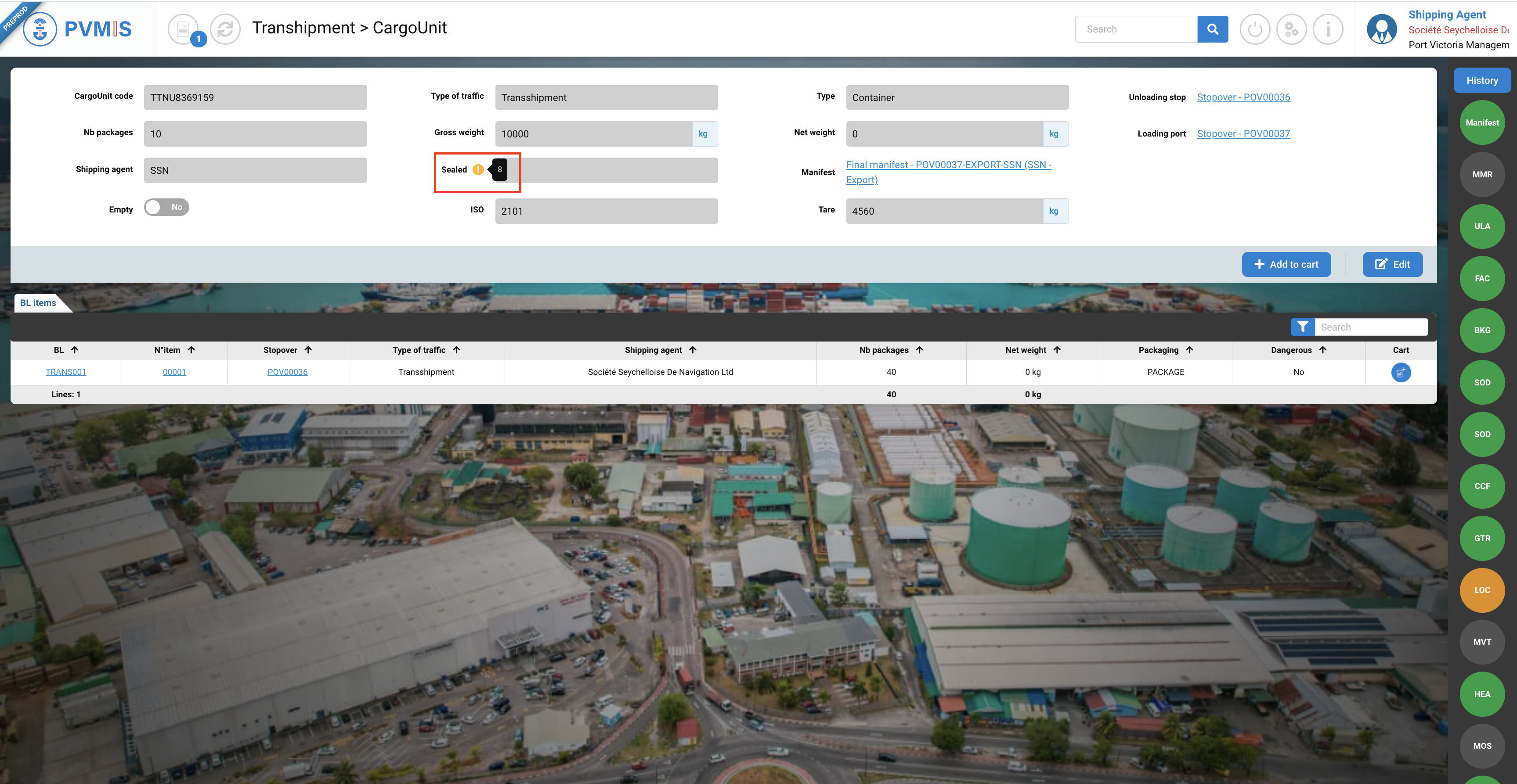
If you click on a code of CargoUnit, in the detail you can see the differences between the information of the scheduled manifest and that was observed by the stevedore.
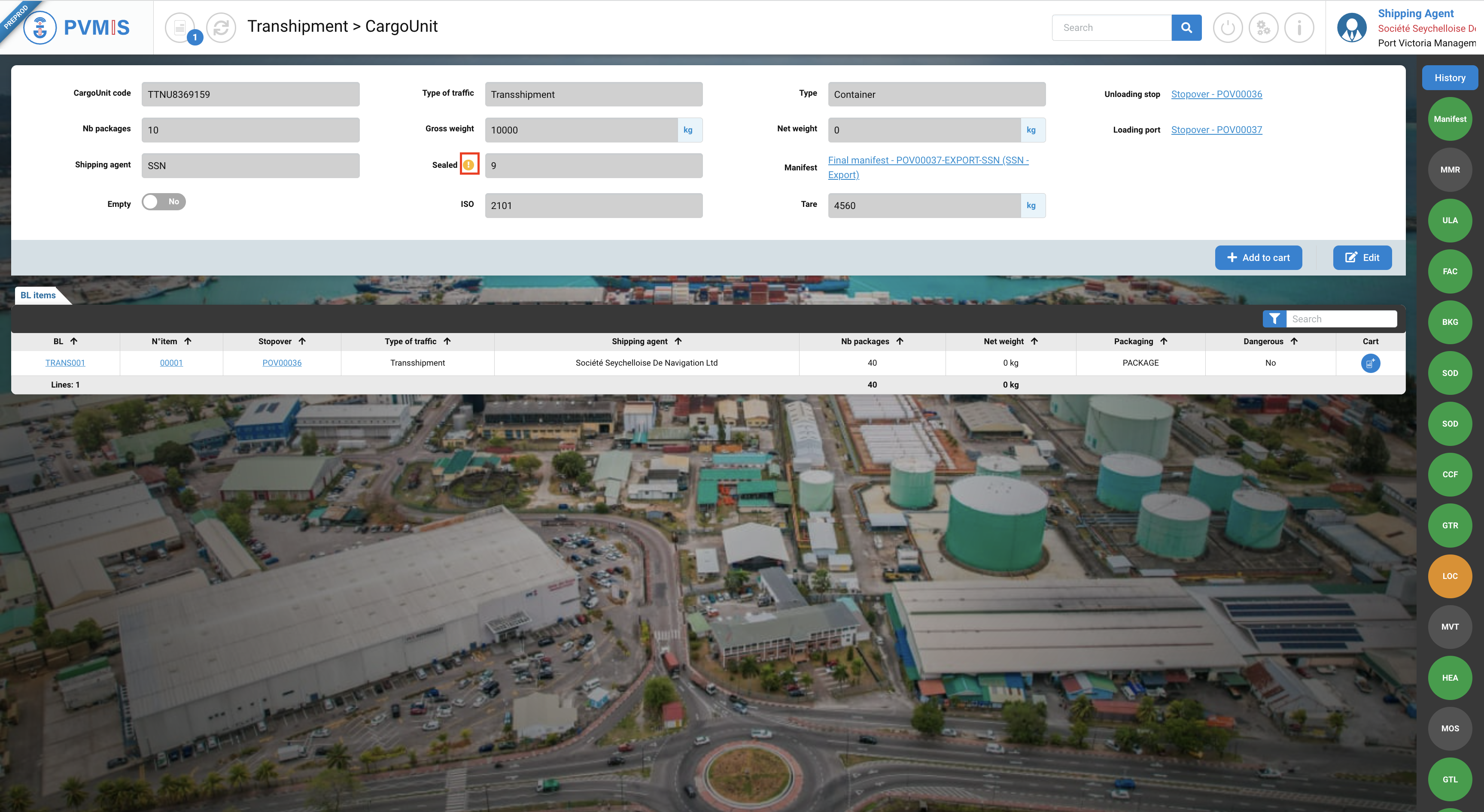
A difference is highlight with the warning icon, on it a tootlip will appear and it will indicate the initial information.
On the Loading operation, the link of the final manifest is displayed: