
|
Actors |
Shipping Agents |
|---|---|
|
Description |
After accept all differences declared by Stevedores, you can generate the final manifest. |
To generate final manifest, first the agent must accept difference report.
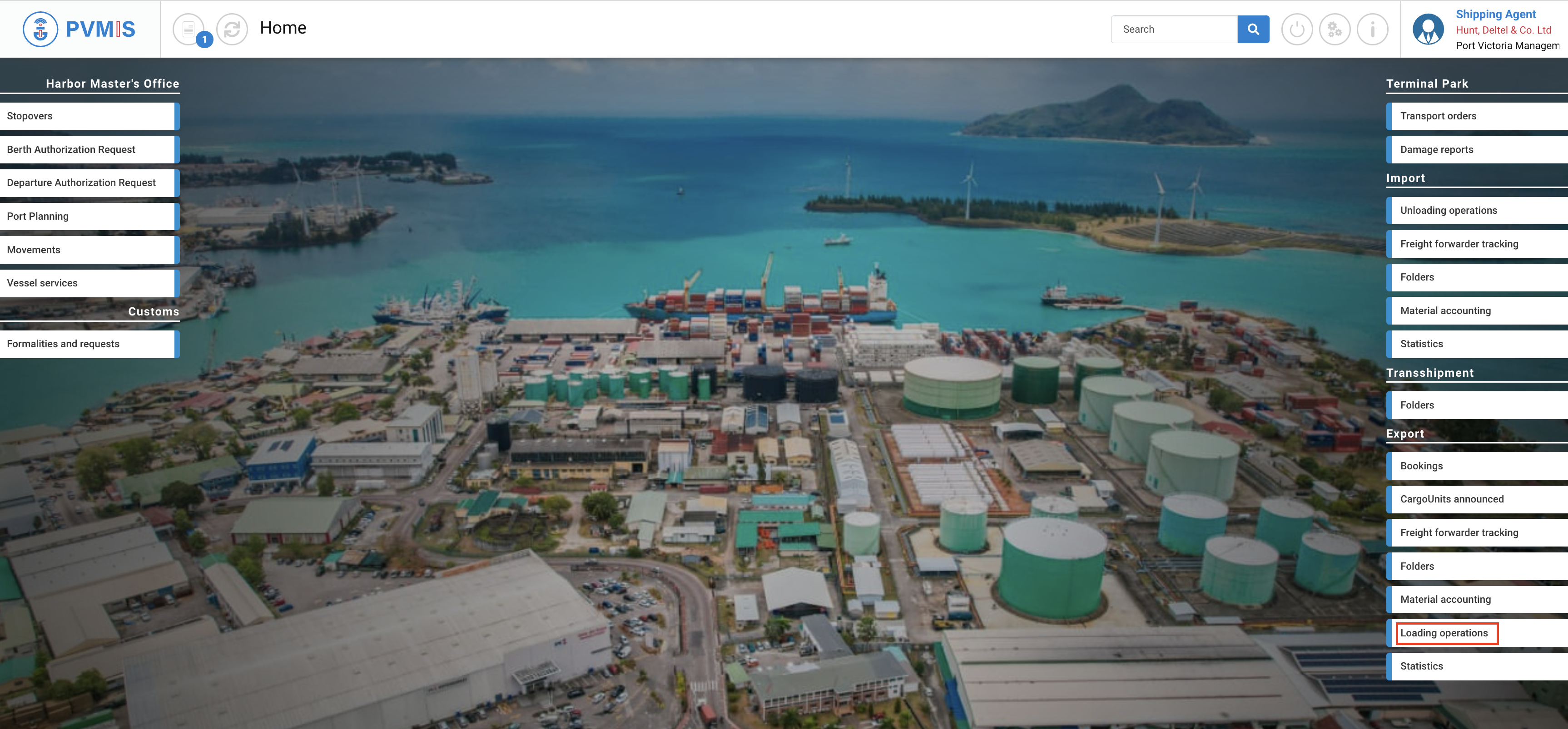
After accepting all differences on each CargoUnit, go to the difference report screen. Click on “Loading operations” menu in Export section:
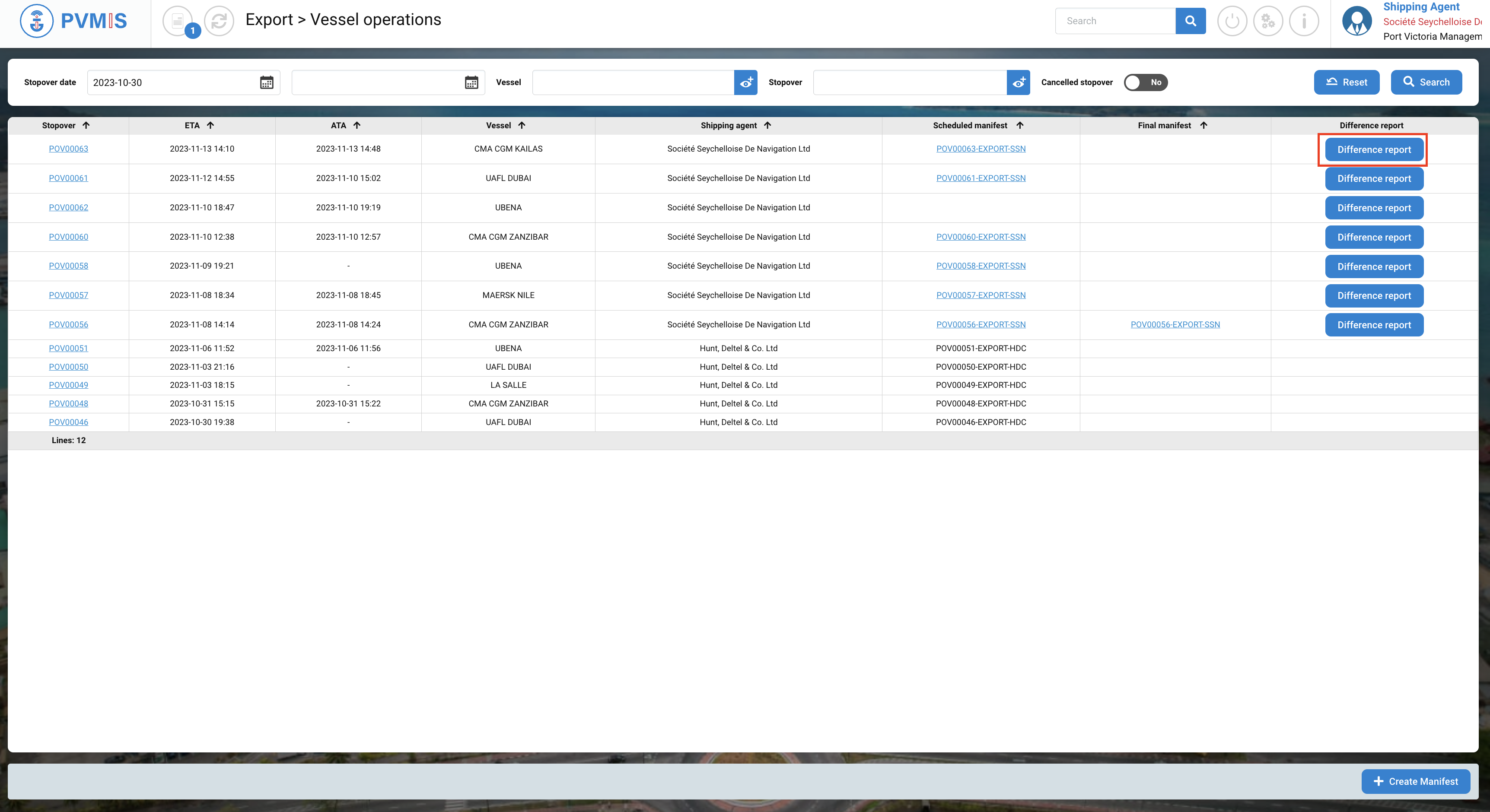
A list of all stopovers corresponding to the date range is displayed. Click on Difference report on the associated stopover.
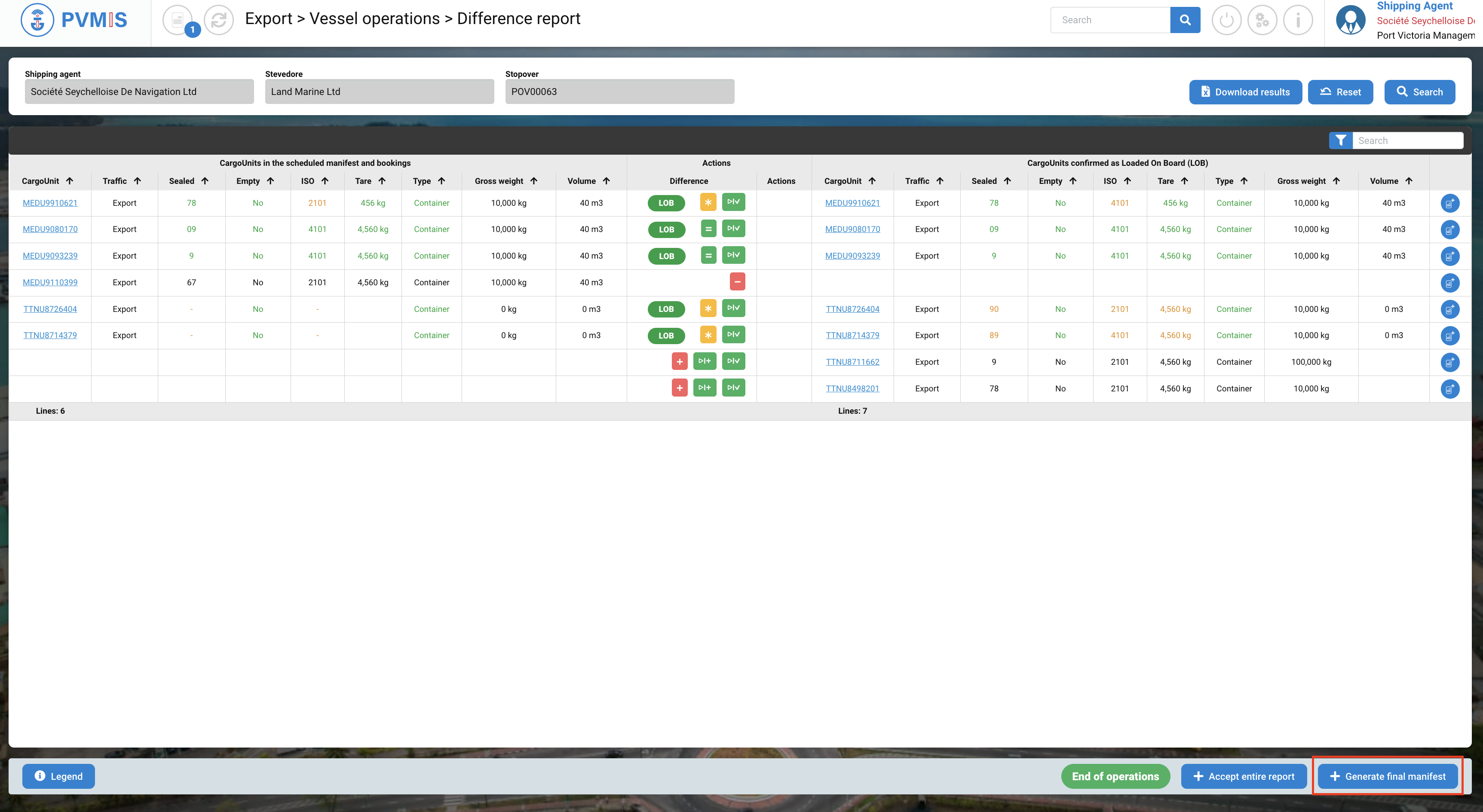
You can consult the difference report, click on +Generate final manifest to generate the definitive import manifest of the stopover.
Then click on Confirm.
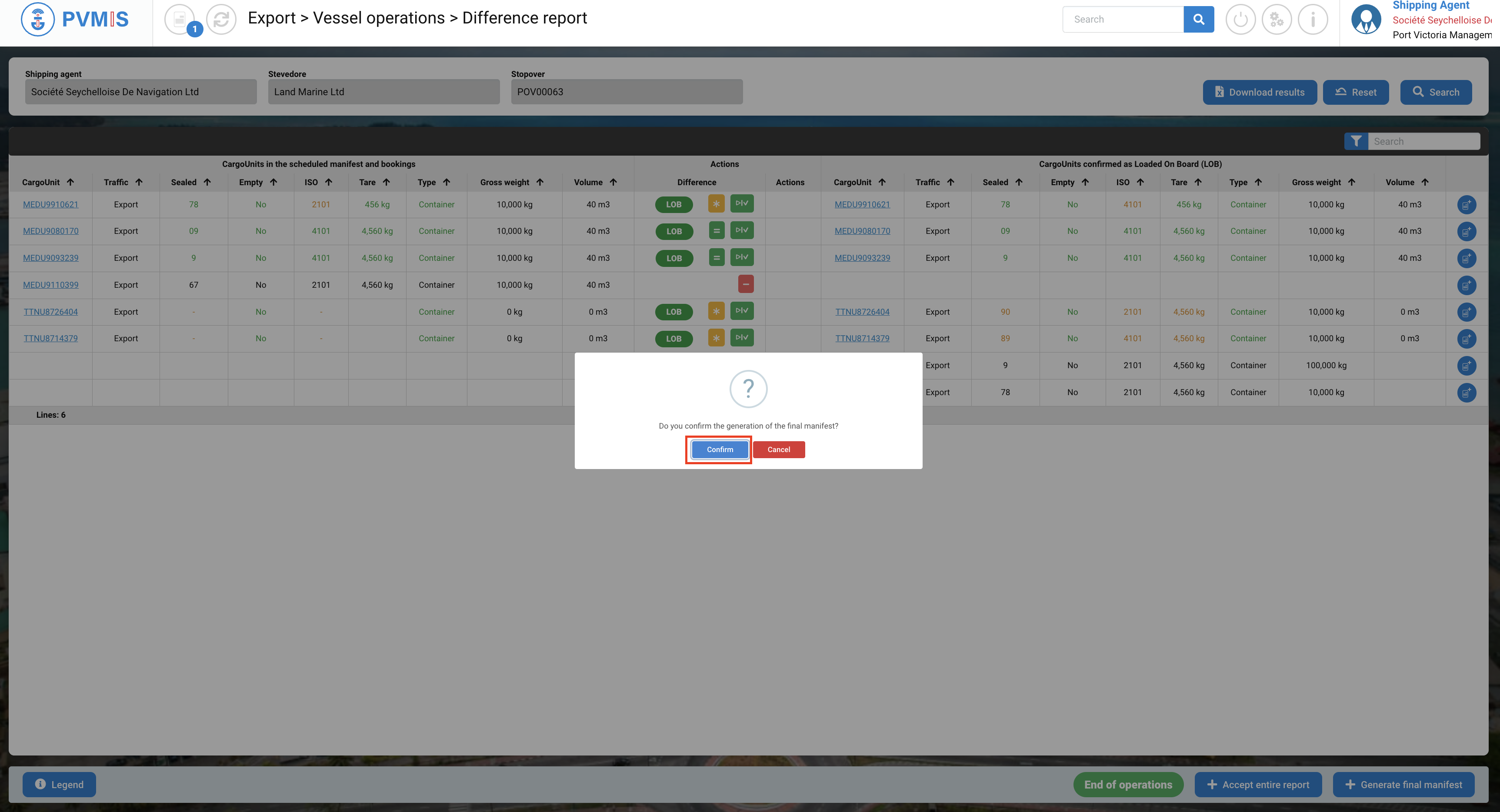
All operations are complete for the shipping agents. The final manifest is generated and can be reviewed by local customs.
If an error message appears, this means that there is an inconsistency in the BL weights (Gross weight, Net weight), as a result you will not be able to generate the final manifest.
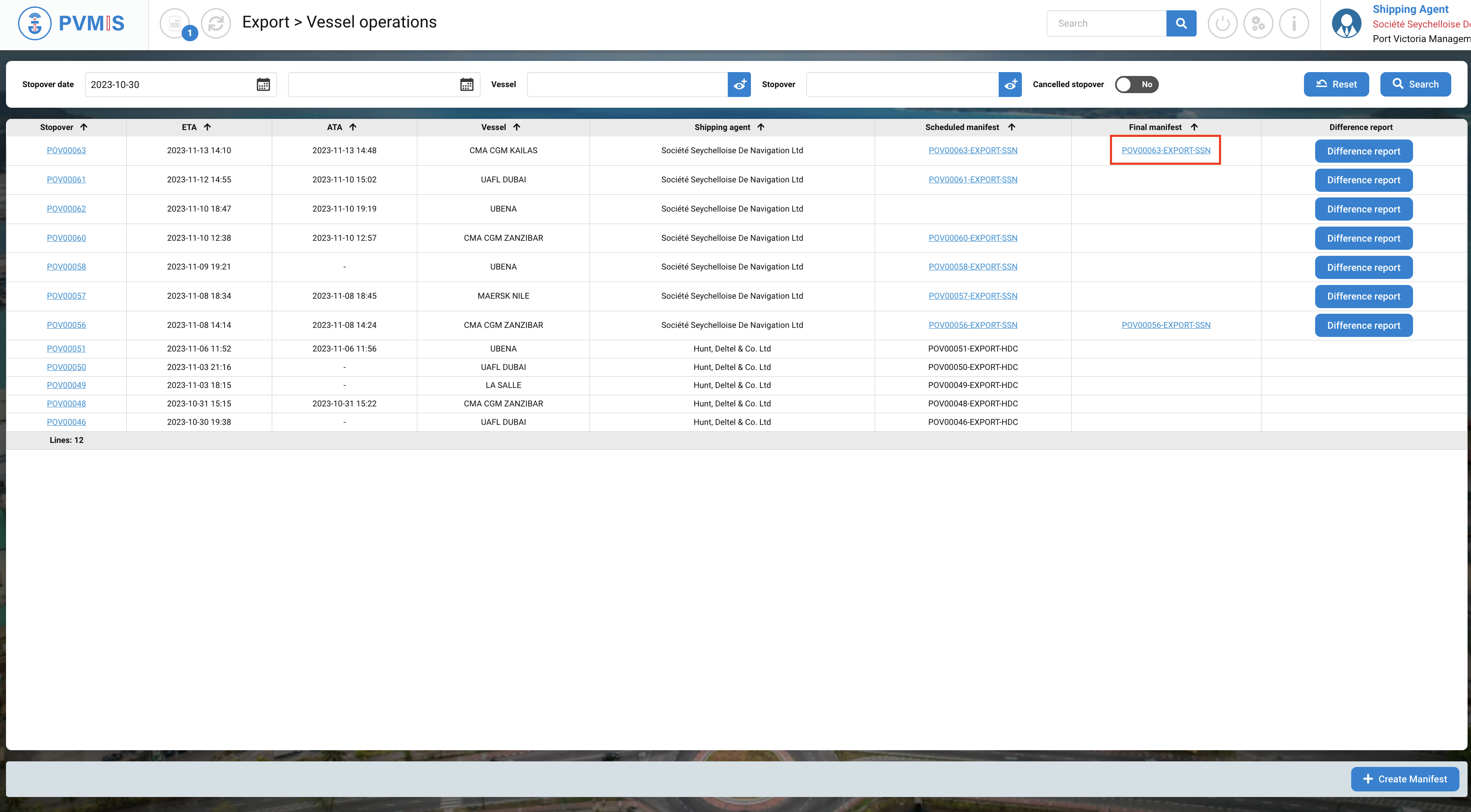
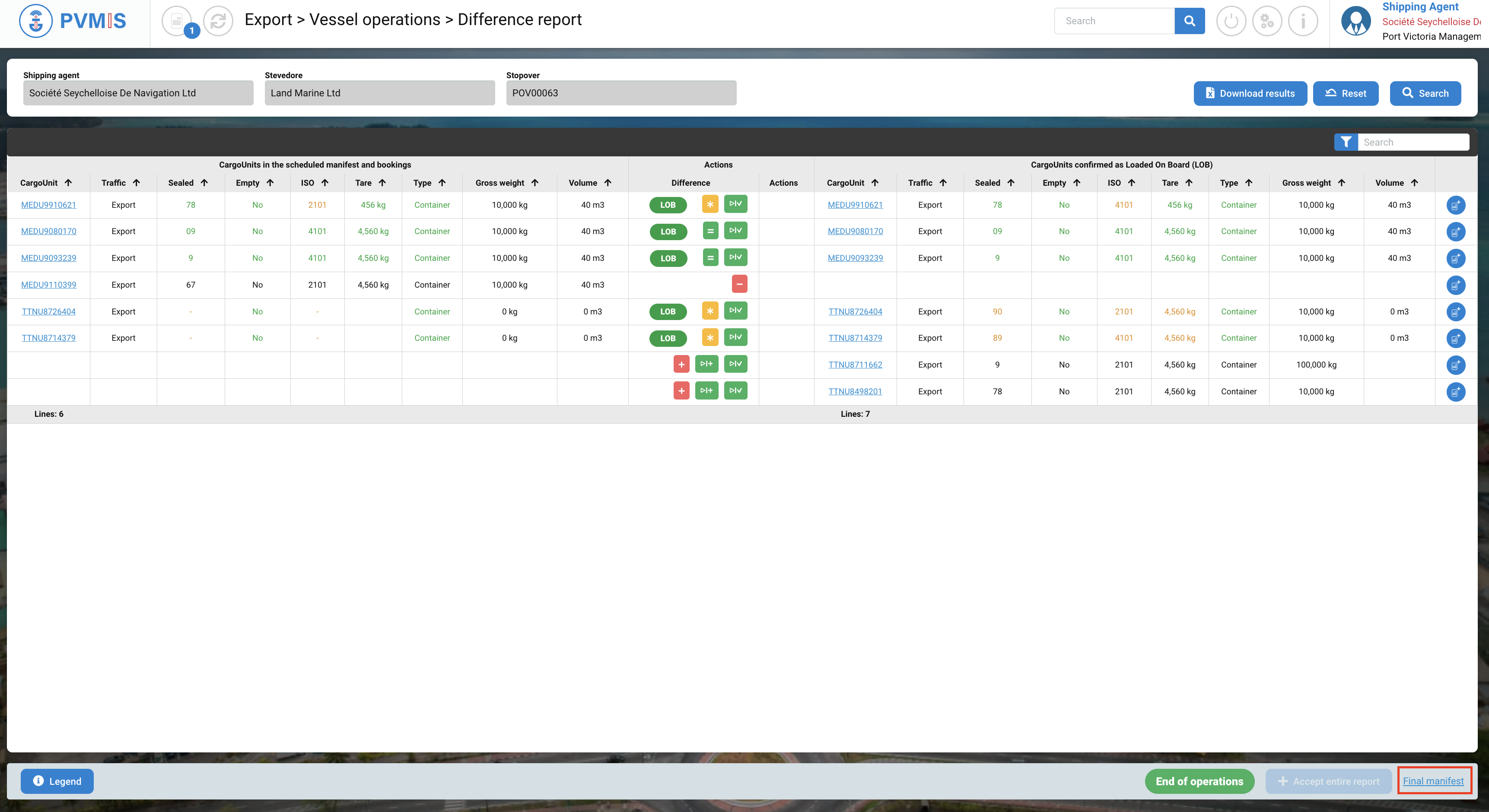
Click on the Final manifest link to access the definitive manifest.
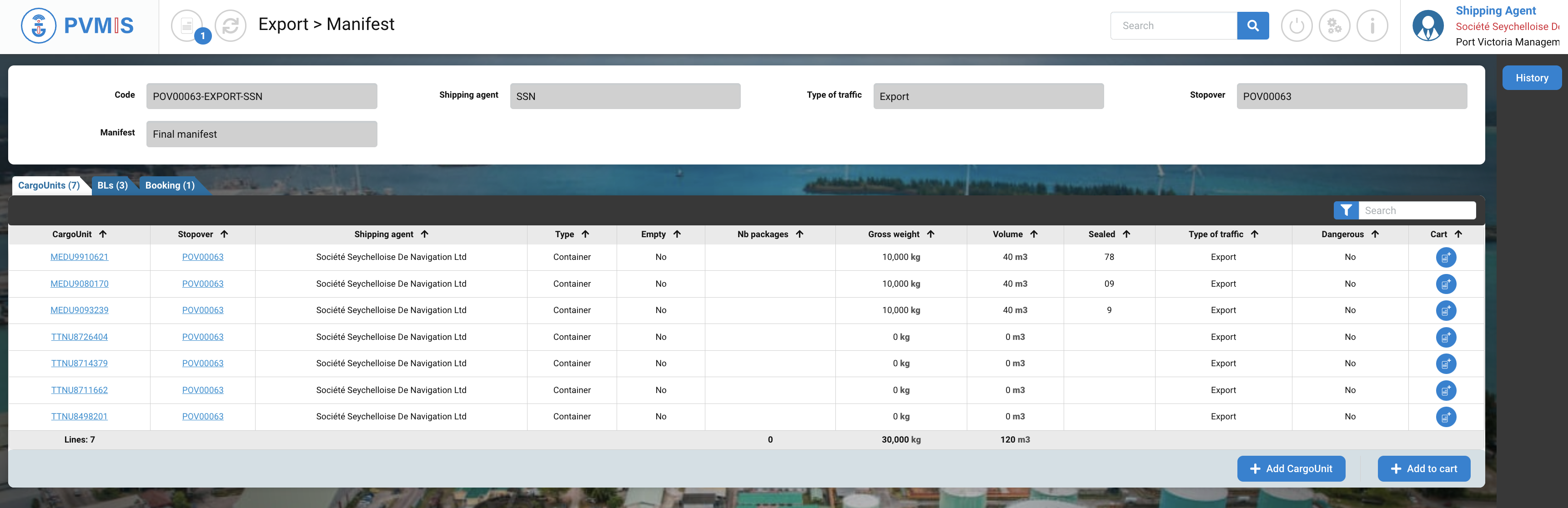
This is the visualization of your final manifest.
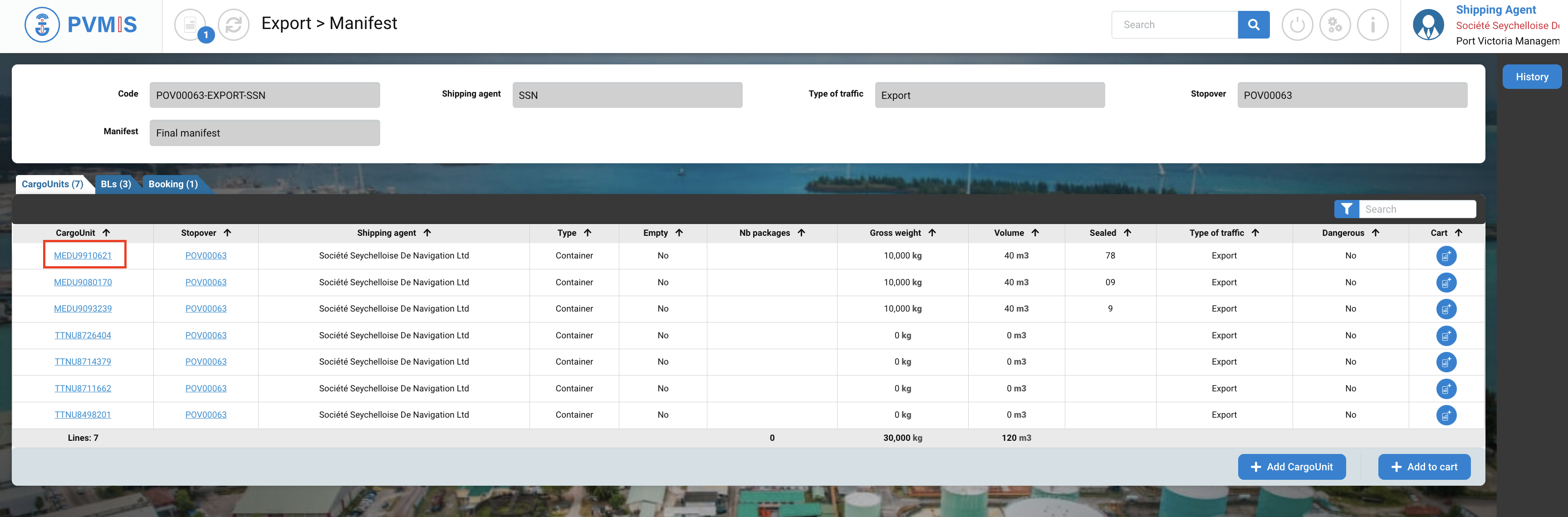
You can consult the status history of your CargoUnit by clicking on CargoUnit code.
In the detail of CargoUnit, it displays the link of final manifest which is attached. The differences noted by Stevedore are highlighted with a yellow icon.
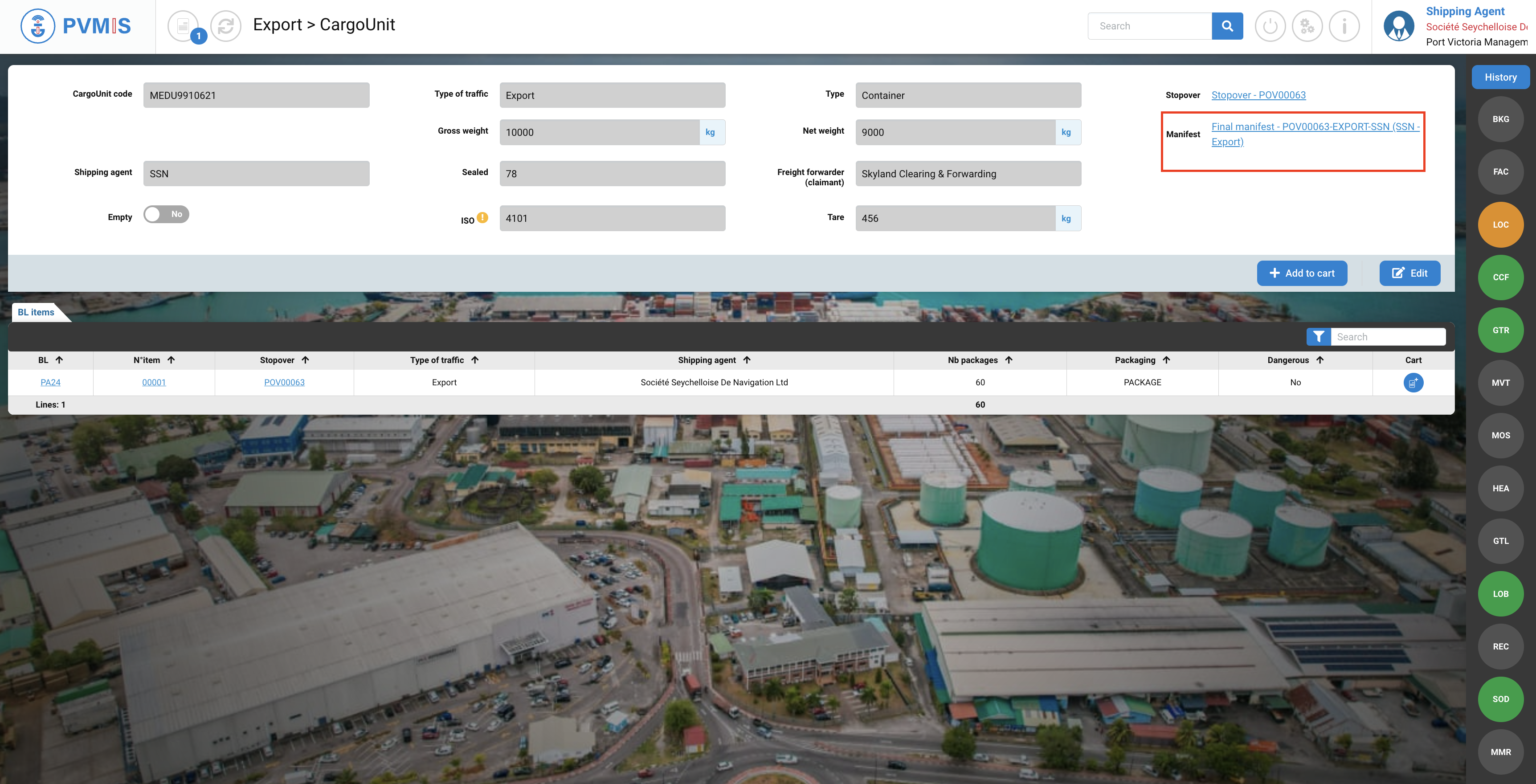
On the Loading operation, the link of the final manifest is displayed: