

The Agent or User can change the priority level of a request to which they are associated.
-
Open the request and select the priority field:
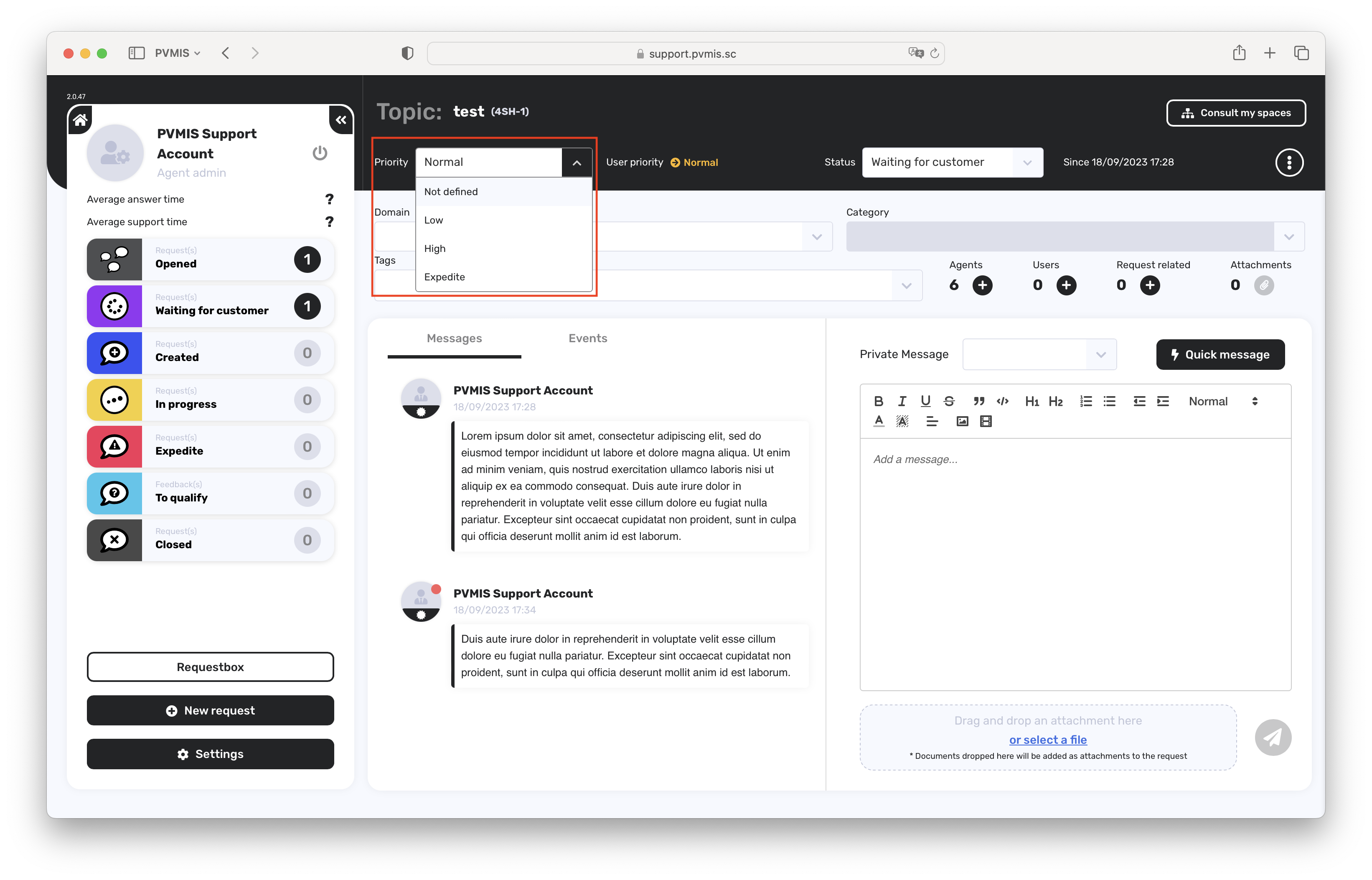
-
Select another value :
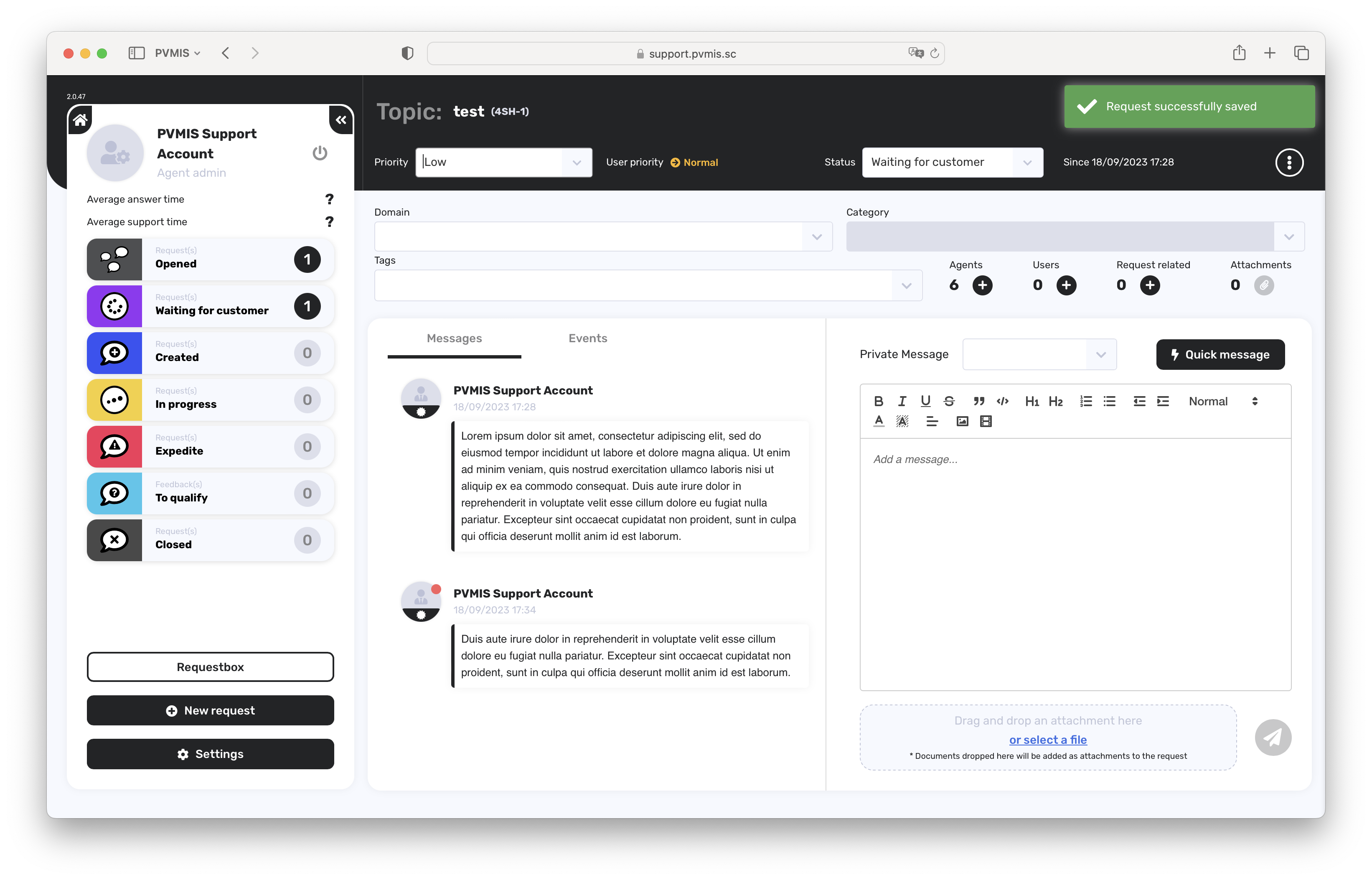
The priority has been changed.
What’s next ?
Now you can read the following section: Support - Filter your searches